%20{%20:root%20{%20--deepread-stroke:%20%23E5E7EB;%20}%20}%20.dark%20{%20--deepread-stroke:%20%23E5E7EB;%20}%20%3c/style%3e%3crect%20x='40'%20y='30'%20width='220'%20height='260'%20rx='28'%20ry='28'%20stroke='var(--deepread-stroke)'%20stroke-width='16'%20fill='none'/%3e%3cpath%20d='M180%2030v52c0%2010%208%2018%2018%2018h62'%20stroke='var(--deepread-stroke)'%20stroke-width='16'%20fill='none'/%3e%3cline%20x1='70'%20y1='130'%20x2='200'%20y2='130'%20stroke='var(--deepread-stroke)'%20stroke-width='16'%20stroke-linecap='round'/%3e%3cline%20x1='70'%20y1='165'%20x2='200'%20y2='165'%20stroke='var(--deepread-stroke)'%20stroke-width='16'%20stroke-linecap='round'/%3e%3cline%20x1='70'%20y1='200'%20x2='170'%20y2='200'%20stroke='var(--deepread-stroke)'%20stroke-width='16'%20stroke-linecap='round'/%3e%3c!--%20green%20download%20arrow%20in%20bottom%20right%20corner%20--%3e%3cpath%20d='M210%20202v58'%20stroke='var(--deepread-accent)'%20stroke-width='18'%20stroke-linecap='round'/%3e%3cpath%20d='M195%20245l15%2015%2015-15'%20fill='none'%20stroke='var(--deepread-accent)'%20stroke-width='18'%20stroke-linecap='round'%20stroke-linejoin='round'/%3e%3c/svg%3e)
Insurance Claim OCR: How It Works and Which Tools to Use (2026)
Insurance claim OCR for motor, health, pet, and travel claims: documents involved, missing-document detection, pricing, accuracy, and top platforms compared.
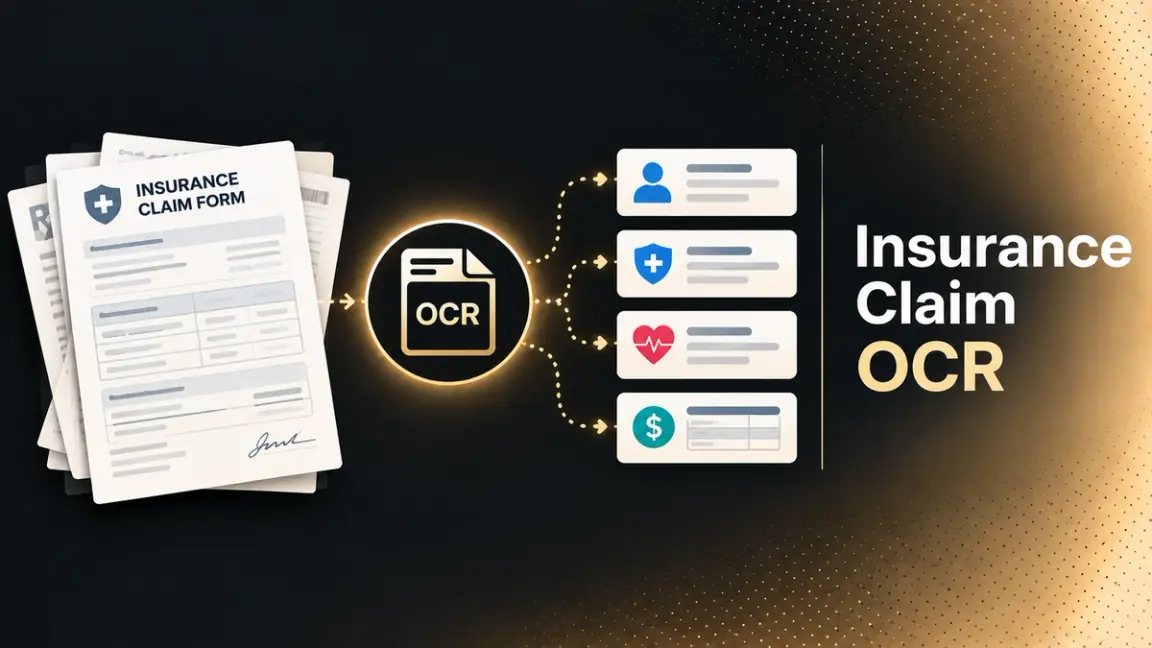
Insurance claim OCR reads the documents in a claim file and turns them into data a claims system can use. Reading text is the easy part. A real claim file mixes forms, invoices, reports, photos, and correspondence, and the work that follows (classifying each document, checking the data, spotting what's missing, routing the claim) is where much of the value sits. This guide covers the benefits, the documents each claim line produces, how the pipeline works, how software detects missing documents, what it costs, and which platforms fit which situation. For DeepRead's own approach to claims documents, see its insurance claims solution.
Who This Is For
- Claims and operations leaders evaluating OCR or document AI for claims intake.
- Product and engineering teams at insurers, MGAs, and TPAs building claims intake into their own systems.
- Pet, travel, and health insurers where claims arrive as customer-submitted invoices and photos.
Benefits of Claim OCR
- Less retyping and fewer keying errors. Claim data moves from document to system without manual entry.
- Earlier gap detection. Missing or conflicting information surfaces at intake, as with Indico's FNOL flags, so the gap appears before an adjuster opens the file.
- Handler time on judgment work. Adjusters spend less time on data entry.
- Audit-ready records. ABBYY describes audit-ready records, and Indico lists audit logs.
- Simpler customer submission. NN Group's pet insurance customers send an image of an invoice instead of filling in a form.
- Surge capacity. Lido lists batch processing for catastrophe events, and Sprout describes high-volume surge scenarios.
OCR, Document AI, and Claims Automation: Where Each Stops
Affinda's claims page draws the line clearly: claims OCR reads text from claim documents, while claims workflow automation turns that information into a controlled operational process. In practice, there are three layers:
- OCR converts images and scans into text.
- Document AI (IDP) classifies documents, extracts fields, and validates them.
- Claims automation applies policy logic, adjudication, and system updates.
One workflow-automation vendor's comparison says this about Hyperscience specifically: it reads documents but doesn't adjudicate claims, apply policy logic, or post decisions downstream. Most tools below cover the first two layers, and a few extend into the third. For a wider look at the category, see our guide to insurance document processing automation.
Why Claim Documents Break Generic OCR
- Layouts vary by carrier, provider, and clinic. Lido says template-based systems need configuration per form, while AI-based tools identify fields by context.
- Handwriting and degraded images. Faxes and mobile photos are common, per Hyperscience.
- Bundled uploads. One submission can hold several documents, which Bevaya says its agent splits at page boundaries.
- Itemized tables. Medical bills and vet invoices are line-item heavy.
- Photo quality. NN Group's OCR has to read invoices regardless of photo quality.
Claim Documents by Line of Business
Motor Insurance Claims
First notice of loss (FNOL) forms, police or accident reports, repair estimates, repair invoices, claimant ID such as a driver's license, policy documents, and damage photos.
- Photos aren't text. OCR handles the paperwork, while a separate class of computer-vision tools estimates damage from images (see Tractable below).
- Capture channel matters. FCB.ai's page describes claim documents arriving through WhatsApp and says Sanlam Allianz uses its journey to collect and process them across several African markets.
- Cross-checking pays off. The date of loss on the claim form should agree with the police report, and amounts should reconcile with the repair estimate or invoice.
Health Insurance Claims
CMS-1500 and UB-04 forms, explanation of benefits (EOB) documents, itemized bills, and medical records.
- Two claim forms, two billers. The CMS-1500 is the standard form for non-institutional (professional) providers, and the UB-04 (also designated CMS-1450) is the institutional form for hospitals and facilities. Their electronic equivalents are the 837P and 837I.
- The form's colors serve OCR. CMS notes the UB-04's colors are needed to enable automated reading and advises against submitting downloaded copies, which may not reproduce them accurately.
- Dense, coded fields. Billing guides count 81 form locators on the UB-04 and 33 fields on the CMS-1500, so mapping extracted values to the right field is a real task.
- Protected health information. See the data handling section below.
- Revenue cycle teams. Teams handling these forms for billing can see DeepRead's healthcare RCM solution.
Pet Insurance Claims
Itemized veterinary invoices, treatment notes or medical records, and policy details.
- Invoice-first claims work. NN Group describes using OCR so customers of its OHRA pet insurance submit an image of the invoice instead of filling in a form, with the OCR reading the invoice regardless of its design or photo quality. The post is several years old, so it shows the use case, not current performance.
- Photos from owners. One pet-claims app guide has users photograph the itemized invoice.
- Inconsistent coding. The same guide notes veterinary care lacks standards like ICD-10 or CPT, so line items can vary by clinic and validation has to handle free-text descriptions.
Travel Insurance Claims
Claim forms, receipts, cancellation invoices, and medical certificates or handwritten doctor's notes.
- Mixed formats in one claim. Hyperscience's demo has a customer email a photographed handwritten claim form, a cancellation invoice, and a handwritten note from a doctor, all processed as one submission.
- Policy-aware rules. Hyperscience's claims page gives the example of checking whether the policy was active when the trip was booked.
- Typical fields. Doxis' travel claim page lists claimant name, policy number, travel dates, and expense details as examples.
Beyond the Four Lines
- Property: adjuster reports, repair estimates, and property damage estimates.
- Workers' compensation: physician's reports and workers' compensation filings per one OCR vendor.
- Commercial: ACORD forms and loss runs, named by Indico, Bevaya, and Docsumo.
How the Claims Pipeline Works
- Ingest. Documents arrive by email, portal, mobile upload, or messaging apps.
- Classify and split. Each document is typed (claim form, invoice, police report), and bundled uploads are split at page boundaries.
- Extract. Fields come out as structured data: claimant, policy number, dates, amounts, line items.
- Validate. Formats, ranges, and arithmetic are checked (for example, line items summing to totals), and values are compared with policy records.
- Check completeness. The file is compared with what the claim type requires (see below).
- Route and review. Clean claims proceed, and uncertain fields go to a person (see our confidence scoring guide).
- Hand off. Data lands in the claims system.
Output and Integration
- Formats. Outputs include JSON, CSV, and Excel, and Doxis lists XML as well.
- Where the data goes. Docsumo's comparison describes the split this way: a core claims system such as Guidewire ClaimCenter or Duck Creek Claims runs the claim, while document automation turns documents into data.
- Fitting existing systems. Hyperscience says it integrates with existing claims systems, and Indico positions itself as an intake layer that avoids replacing them.
How Software Detects Missing Documents
OCR alone doesn't know what's missing, since it only reads what's there. Missing-document detection is business logic running on top of classification and extraction:
- Required-document checklists. Each claim type has a list of required documents, and the system compares it with the classified files. One vendor guide gives the example of flagging a workers' compensation claim when the mandatory Attending Physician's Report is absent.
- Field-level completeness. Rules flag absent values, such as a missing claim number.
- Format and range checks. Affinda lets teams write validation rules in natural language: flag missing fields, check policy numbers match expected formats, validate document dates fall within ranges, and check that line items sum to totals.
- Cross-document consistency. The same field is compared across documents, such as the date of loss on the claim form against the police report.
- Duplicate detection. One vendor guide says the same policy number, claimant, and date of loss arriving twice can indicate a duplicate. Bevaya says its claims indexing agent flags duplicates across the file.
- Validity checks. One IDP vendor lists expired IDs and outdated medical statements among the problems rule engines can catch.
- Early notification. Indico's FNOL solution flags missing or conflicting data at intake so the gap surfaces before an adjuster opens the file.
For the broader feature set behind these checks, see our guide to key features of AI document workflow automation.
OCR Isn't Fraud Detection
OCR reads documents and doesn't judge authenticity. Sprout.ai lists document tampering detection, and ABBYY describes anomaly checks. Doxis lists document verification and fraud detection as modules of its platform.
Pricing and Cost Models
- Doxis AI.dp prices on the number of fields, document volume, and page count.
- Docsumo offers a free 1,000-page trial and quotes paid plans.
- DeepRead's free tier is 2,000 documents a month.
- Enterprise suites. Per Docsumo's comparison, ABBYY Vantage, Hyperscience, and Tungsten TotalAgility publish no prices on their sites. I didn't check Indico, Bevaya, or Sprout.ai.
- The billing unit changes cost. Page, document, and block pricing behave differently on long claim files.
Named Platforms
Capability claims below come from each vendor's own pages and are vendor-stated unless noted.
Extraction APIs and General Document AI
DeepRead
DeepRead is a general-purpose, schema-driven extraction API, not a claims platform. You define the fields for each claim type (claimant, policy number, date of loss, itemized charges), and it returns structured JSON.
- Per-field confidence. Uncertain values are flagged for human review instead of being passed downstream silently.
- Batch-ready. Async processing and webhook delivery are built in.
- Privacy and forms tooling. Its public skills repository lists PII redaction (14 personal-information types) and AI-assisted PDF form filling.
- Checkable accuracy. Its benchmarks page publishes results against Nanonets, Reducto, and Landing AI on identical documents, including insurance documents (95.8%), medical bills (98.6%), and driver's licenses (96.7%). These are document-type benchmarks, not claims-file benchmarks.
- Free tier. 2,000 documents a month with no credit card on its pricing page. Integration details are in the docs.
- Limits. It doesn't adjudicate claims, score fraud, or check coverage. Completeness and cross-document rules are logic you build on its output.
- Best fit: teams building their own claims intake who want a flexible extraction layer with visible uncertainty.
Affinda
A general document AI platform with a claims use case.
- Classifies, extracts, and checks claim forms, invoices, evidence, reports, and correspondence for completeness and required fields.
- Natural-language validation rules, plus comparison of extracted data with policy records, customer details, or prior claim history.
- Best fit: teams that want configurable validation rules around extraction.
Doxis AI.dp (formerly Klippa DocHorizon; link is the product page)
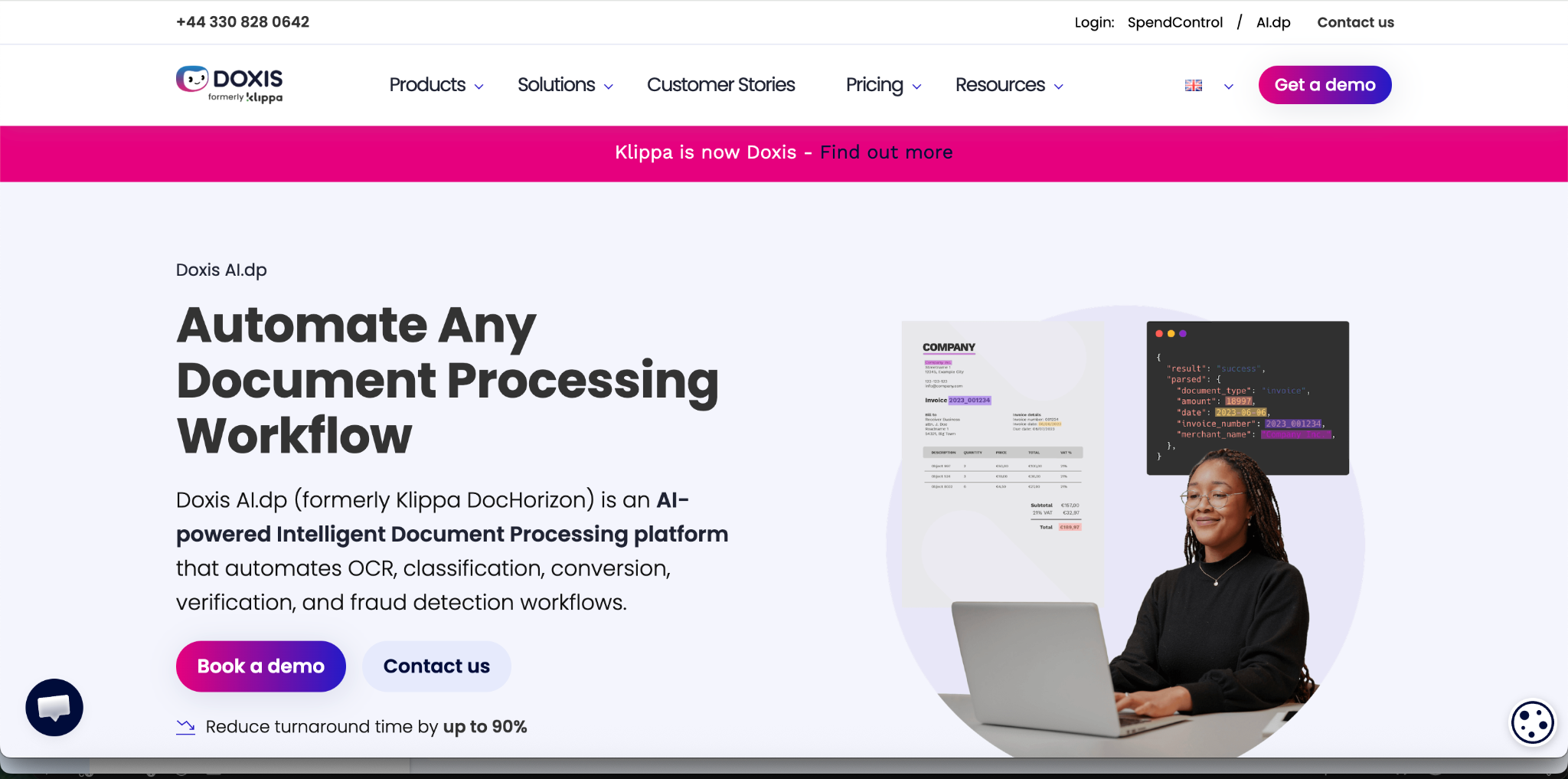
- Extraction, classification, and validation of claim data using OCR, computer vision, and machine learning, with handwritten and scanned forms supported.
- Dedicated pages for insurance, travel, and health insurance card OCR, available as APIs and SDKs or through a drag-and-drop workflow platform.
- Its insurance claims OCR page lists claim forms, damage reports, policy documents, medical reports, and invoices.
- Best fit: teams that want line-specific OCR pages and either API or no-code workflows.
Docsumo
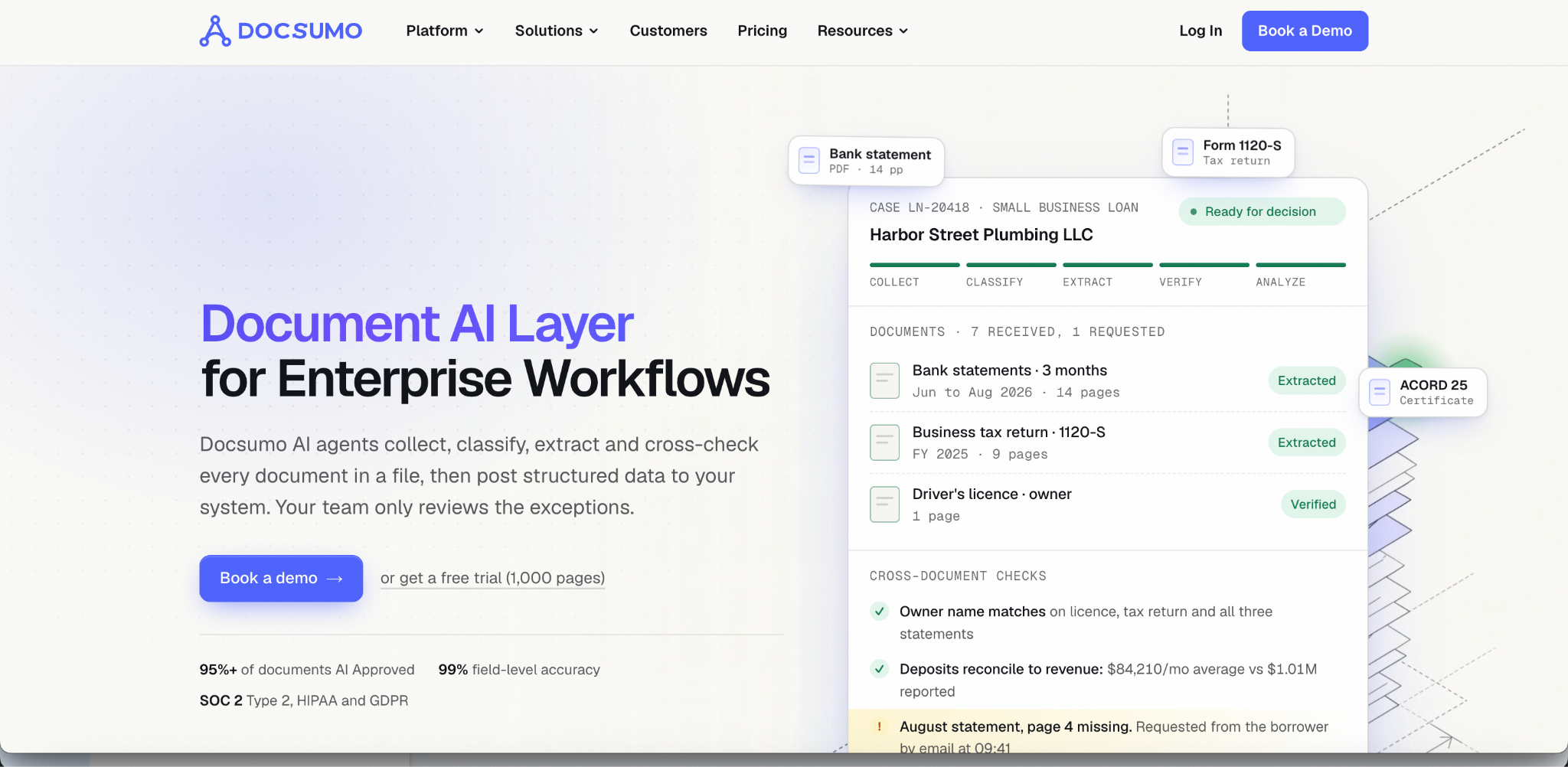
- Its own page describes classification, extraction, checks across documents, a review queue, and workflows, and lists ACORD forms, loss runs, and healthcare claims and eligibility packets.
- Offers a free 1,000-page trial and quotes paid plans.
- Best fit: mid-sized insurance, lending, and AP teams, per its own positioning.
Cloud OCR APIs
- Google Document AI lists invoice, expense, and US driver license parsers, which suit repair invoices and claimant ID.
- Amazon Textract lists AnalyzeExpense at $10 per 1,000 pages, and Docsumo's claims shortlist includes it.
- Both are building blocks, so you write the claims logic yourself.
Enterprise and Insurance-Specific Platforms
ABBYY Vantage
- ABBYY's claims page says its IDP reads and extracts claim documents and routes each claim to the next step.
- Its Document AI validates amounts, checks for anomalies, and generates audit-ready records, and quality analytics aim to raise straight-through processing.
- A competitor's comparison says ABBYY publishes no pricing on its site.
- Best fit: enterprises with an automation program.
Hyperscience
- Extracts from structured, semi-structured, and unstructured claim documents, then applies validation (does the policy number match?) and custom business rules.
- Routes to human review when confidence is below a target. Its demo uses a 99% accuracy target.
- States up to 99.5% accuracy and 98% automation on printed and handwritten text, and reads degraded images such as faxes and mobile photos.
- Best fit: high-volume, paper-heavy, handwriting-heavy claims operations.
Indico Data
- An intake and orchestration platform for insurance that ingests PDFs, emails, images, and scanned forms from TPAs, brokers, and portals.
- Its FNOL solution enriches key fields and flags missing or conflicting data. It positions itself as an intake layer that doesn't replace core claims systems.
- States coverage of 120+ product lines, 70+ languages, and 900+ insurance document types. Lists SOC 2, encryption, role-based access, and audit logs.
- Best fit: carriers with messy, multi-channel claims intake.
Bevaya (formerly Roots Automation)
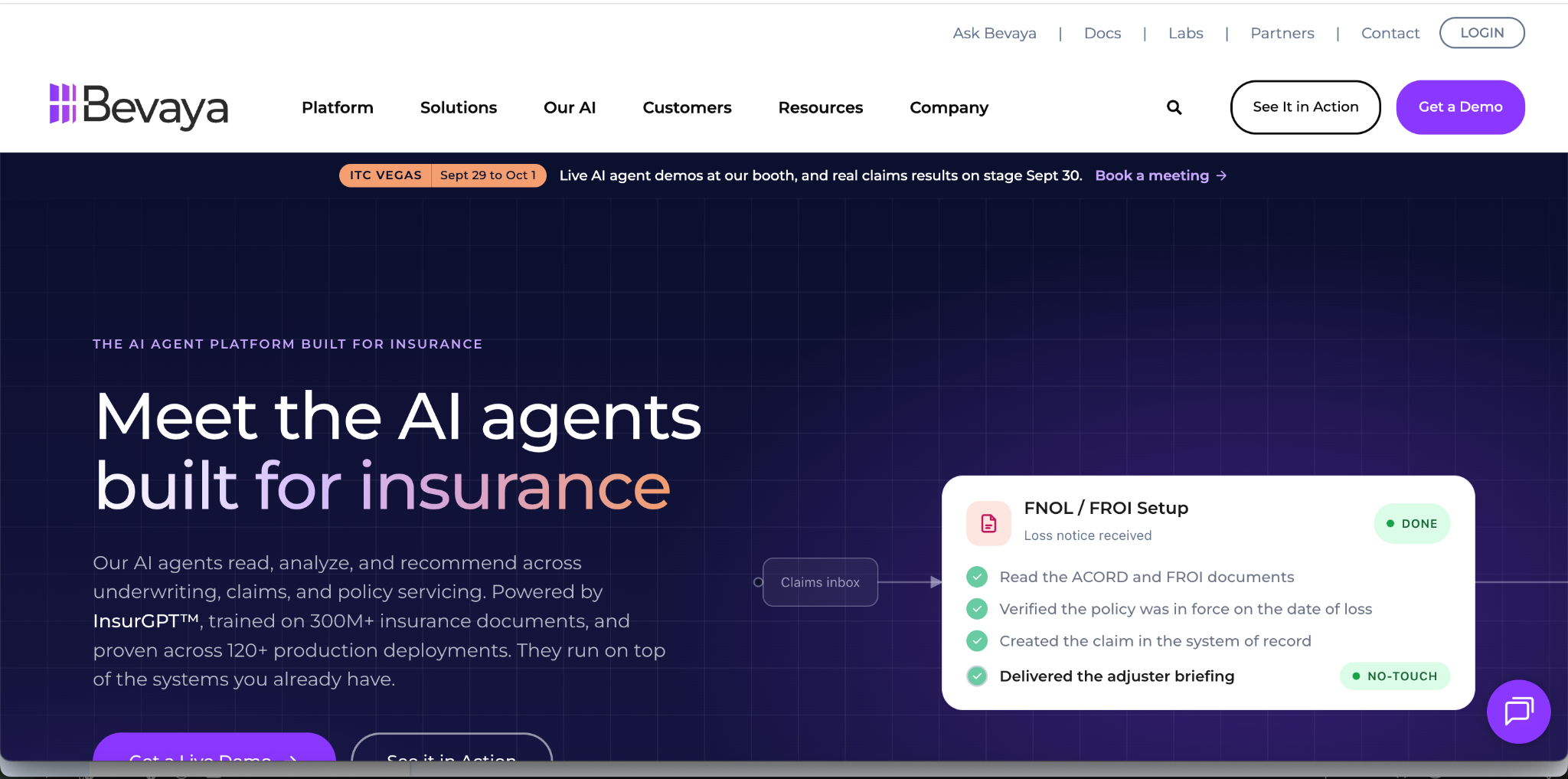
- Roots Automation relaunched as Bevaya in May 2026, an AI agent platform for insurance powered by InsurGPT, which it says is trained on 300M+ insurance documents.
- Its claim indexing agent classifies, indexes, and routes documents, splits multi-document packets, and flags duplicates. It cites 60+ P&C document categories.
- States 98%+ extraction accuracy and up to 99% no-touch indexing.
- Best fit: carriers and TPAs that want pre-built insurance agents rather than a general toolkit.
Sprout.ai
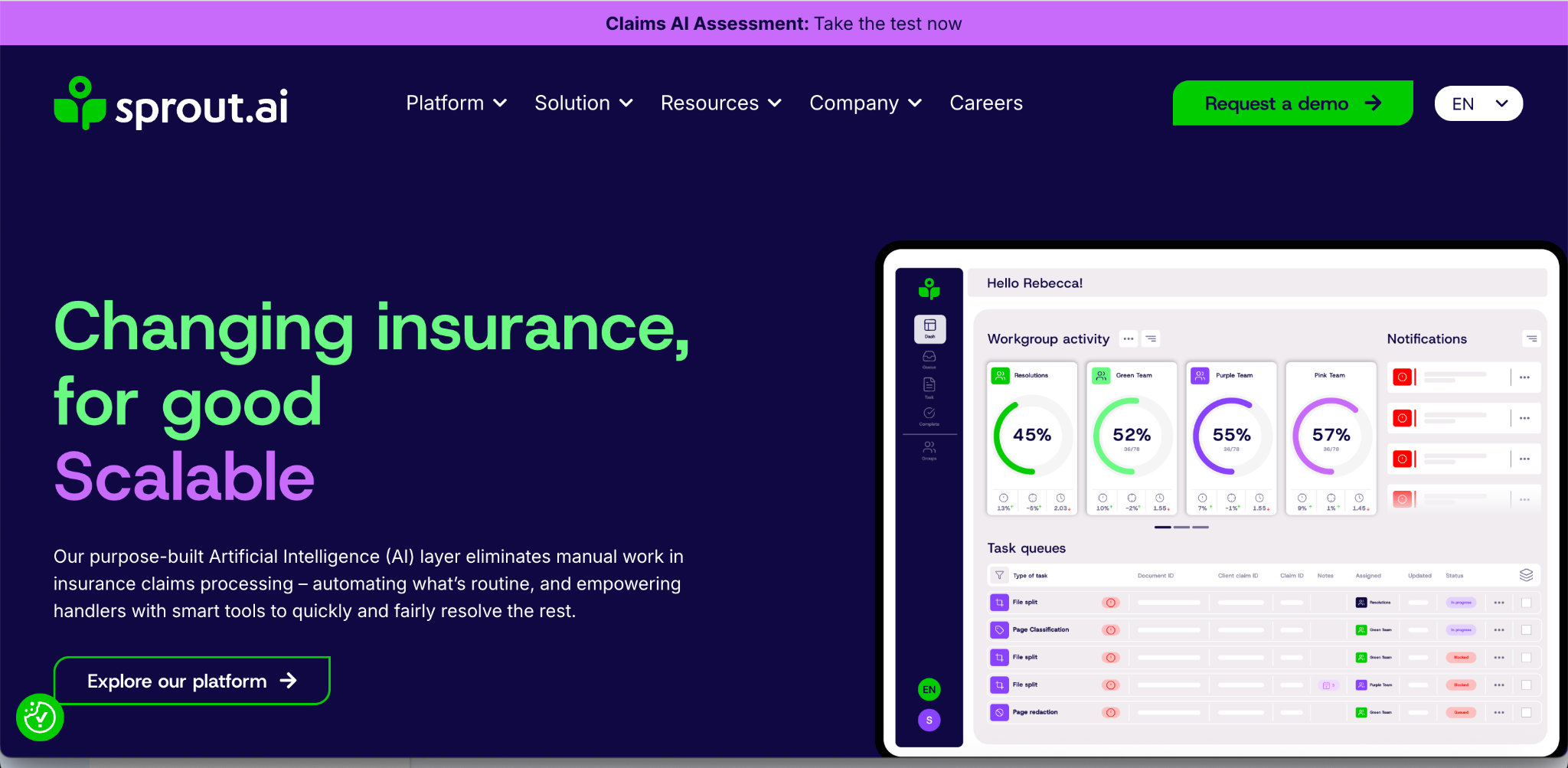
- Classifies and indexes 500+ document types at claim intake, extracts data, checks policy coverage, and includes fraud detection.
- Says its models were trained on 7.5 million real claims and policy documents, and describes document tampering detection.
- Its site covers health, life and disability, motor, and commercial lines.
- Best fit: insurers that want extraction, coverage checks, and fraud signals in one claims layer.
Adjacent Tools
- Tractable applies computer vision to photos of damaged vehicles and property to estimate repair costs and triage claims. It complements document OCR instead of replacing it.
- FCB.ai (link is its insurance OCR page) offers OCR across claim forms, ID cards, and accident photos, with a WhatsApp-based collection journey.
What the Accuracy Figures Mean
Figures in this category are vendor-reported and measure different things:
- Hyperscience: up to 99.5% accuracy and 98% automation on printed and handwritten text.
- Bevaya: 98%+ extraction accuracy, vendor-stated.
- Lido (a competing vendor's claims page): 95 to 99 percent on typed forms and 91 to 96 percent on handwritten fields. Its own split shows a typed-to-handwritten gap that Hyperscience's claim doesn't.
Field-level accuracy, document-level accuracy, and automation rates are different metrics, so these numbers aren't comparable. Test on your own files and measure accuracy on the fields that drive payment (amounts, dates, policy numbers) separately from straight-through rate.
Data Handling for Claims Files
- Health claims carry PHI. One vendor guide calls the upload step the exposure point regulators care about, so confirm where processing runs, how long data is retained, and whether files train vendor models. Our HIPAA-compliant document processing guide covers the safeguards.
- Other frameworks. HyperVerge's guide names HIPAA and NAIC as the US compliance frameworks insurers deal with.
- Minimize what moves. Redaction before sharing or storage reduces exposure.
- Ask for evidence. Indico, for example, lists SOC 2, encryption, role-based access, and audit logs. Request equivalent documentation from any vendor.
Which Approach Fits Which Situation
- Building your own intake with a small team (MGA, pet, travel): an extraction API with confidence flags (DeepRead, Affinda, Doxis AI.dp), plus your own checklist rules.
- Standard forms and mid-sized operations: Docsumo.
- Handwriting-heavy, high-volume paper claims: Hyperscience.
- Large enterprise automation programs: ABBYY Vantage.
- Many intake channels and a core claims system you're keeping: Indico Data.
- Pre-built insurance agents for indexing, triage, and FNOL setup: Bevaya.
- Extraction plus coverage checks and fraud signals: Sprout.ai.
- Photo-first motor claims: a visual tool such as Tractable alongside document OCR.
Getting Started
Start with one claim type and its highest-volume documents. Define the required-document checklist and exception rules first, then measure field-level accuracy on payment-driving fields before expanding to other claim types.
Conclusion
Insurance claim OCR is the first step in a longer chain: classify, extract, validate, check completeness, and route. The documents differ by line (CMS-1500 and UB-04 on health, vet invoices on pet, cancellation paperwork on travel, photos and police reports on motor, ACORD forms on commercial), but the pipeline is the same, and missing-document detection lives in the rules you run on top of the extraction. Choose by how much of the chain you want to buy, and test on your messiest real claims before trusting any accuracy figure.
FAQ
What is insurance claim OCR?
Software that reads claim documents (forms, invoices, reports, medical bills) and converts them into structured data a claims system can use, instead of leaving them as images someone retypes.
Which documents does claims OCR process for each claim type?
Motor: FNOL forms, police reports, repair estimates, invoices, and ID. Health: CMS-1500 and UB-04 forms, EOBs, itemized bills, and medical records. Pet: itemized vet invoices and treatment notes. Travel: claim forms, receipts, cancellation invoices, and medical notes. Commercial lines add ACORD forms and loss runs.
How does AI detect missing documents in a claim?
By classifying each document, then comparing the file with a required-document checklist for that claim type, and running field-level, cross-document, and duplicate checks. The rules are business logic on top of OCR.
Can OCR read handwritten claim forms?
Several platforms support it (Hyperscience and Doxis AI.dp both state handwriting support). One vendor's published figures show lower accuracy on handwriting (91 to 96 percent versus 95 to 99 percent typed), while Hyperscience claims up to 99.5% on both, so test on your own forms.
What's the difference between claim OCR and claims automation?
OCR reads documents, while claims automation applies policy logic, adjudication, and system updates. Most OCR and document AI tools cover the first part, and a few extend into the second.
Does OCR detect fraudulent documents?
No. OCR reads what's on a document. Authenticity checks such as tamper detection are separate capabilities that some platforms, including Sprout.ai, offer.
How accurate is insurance claim OCR?
Vendor-reported figures run from the low 90s to 99%+, depending on document type, handwriting, and what's being measured. Test on your own claims and measure the fields that drive payment.
Is DeepRead a claims automation platform?
No. It's a schema-driven extraction API with per-field confidence flags. It doesn't adjudicate claims, score fraud, or check coverage, so completeness and policy rules are logic you build on its output.
Does claims OCR work for pet insurance vet invoices?
Yes. NN Group describes using OCR so pet insurance customers can submit an image of the invoice. Because one guide notes vet invoices lack consistent coding, validation should handle clinic-specific line items.
More articles
How to Choose a Document Automation Tool
Evaluate document automation tools based on accuracy, integration, audit readiness
Connecting an Invoice Scanner to Your Existing AP Automation Workflow
How to connect an invoice scanner to your existing AP automation workflow: integration methods, field mapping, matching, and accuracy benchmarks.