%20{%20:root%20{%20--deepread-stroke:%20%23E5E7EB;%20}%20}%20.dark%20{%20--deepread-stroke:%20%23E5E7EB;%20}%20%3c/style%3e%3crect%20x='40'%20y='30'%20width='220'%20height='260'%20rx='28'%20ry='28'%20stroke='var(--deepread-stroke)'%20stroke-width='16'%20fill='none'/%3e%3cpath%20d='M180%2030v52c0%2010%208%2018%2018%2018h62'%20stroke='var(--deepread-stroke)'%20stroke-width='16'%20fill='none'/%3e%3cline%20x1='70'%20y1='130'%20x2='200'%20y2='130'%20stroke='var(--deepread-stroke)'%20stroke-width='16'%20stroke-linecap='round'/%3e%3cline%20x1='70'%20y1='165'%20x2='200'%20y2='165'%20stroke='var(--deepread-stroke)'%20stroke-width='16'%20stroke-linecap='round'/%3e%3cline%20x1='70'%20y1='200'%20x2='170'%20y2='200'%20stroke='var(--deepread-stroke)'%20stroke-width='16'%20stroke-linecap='round'/%3e%3c!--%20green%20download%20arrow%20in%20bottom%20right%20corner%20--%3e%3cpath%20d='M210%20202v58'%20stroke='var(--deepread-accent)'%20stroke-width='18'%20stroke-linecap='round'/%3e%3cpath%20d='M195%20245l15%2015%2015-15'%20fill='none'%20stroke='var(--deepread-accent)'%20stroke-width='18'%20stroke-linecap='round'%20stroke-linejoin='round'/%3e%3c/svg%3e)
PDF Conversion APIs for Document Processing: A 2026 Comparison
PDF conversion APIs for document processing platforms compared: HTML to PDF, Office conversion, self-hosting, pricing, and named providers.
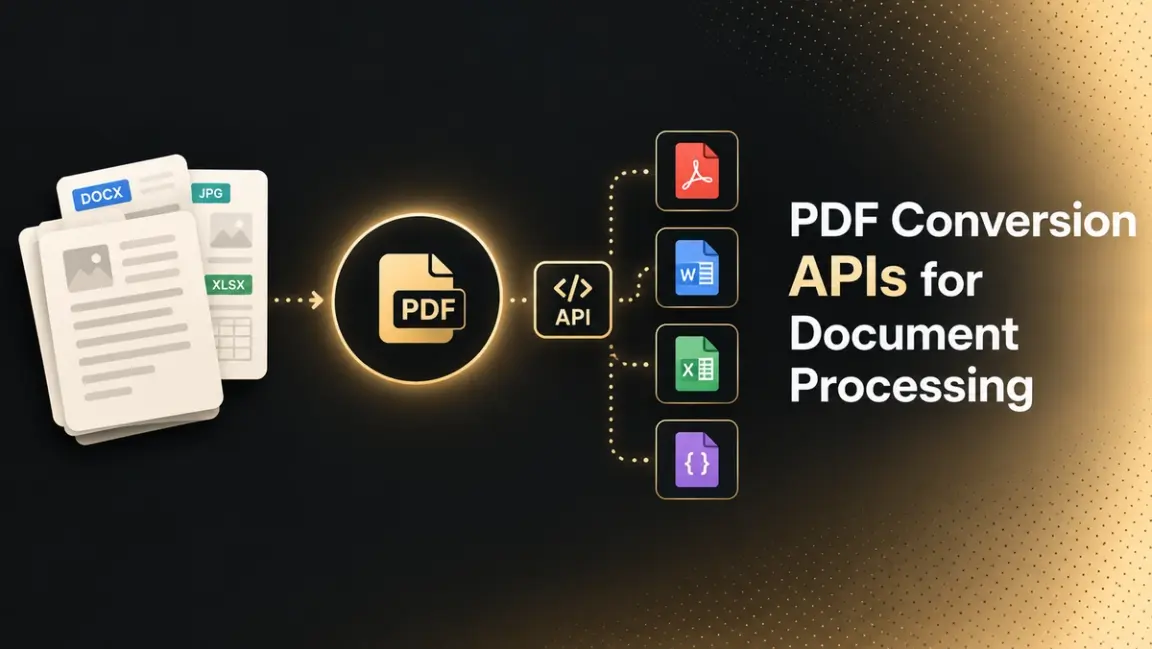
"PDF conversion API" covers two jobs that comparison articles often blur. Generation turns HTML, templates, or JSON data into a PDF. Conversion turns other files (Word, Excel, images) into PDF, or turns a PDF into another format. Most results for "HTML to PDF API" are about generation, while a document processing platform usually needs both. This guide separates the approaches, compares named APIs, and covers the operational details that matter once conversion runs at volume.
Who This Is For
- Engineers building a document processing platform or SaaS product who need conversion as one component, not the whole product.
- Teams generating invoices, reports, contracts, or certificates from HTML or templates at scale.
- Platform teams choosing between a hosted API and a self-hosted engine, often for data-residency reasons.
What PDF Conversion APIs Do Inside a Document Processing Platform
Conversion usually appears at three points in a pipeline:
- Inbound normalization. Word files, spreadsheets, presentations, and images are converted to PDF so every downstream step handles one format instead of many.
- Outbound generation. The platform produces invoices, statements, reports, and contracts from HTML templates and data, then delivers them as PDFs.
- Post-processing. Watermarking, form filling, flattening, password protection, and signing happen after the PDF exists. Some APIs bundle these steps into the same request, and others leave them to a separate tool.
Between inbound and outbound, other stages (classification, data extraction, validation, routing) do their own work. That's why conversion is best evaluated as a pipeline component: it should return a predictable file quickly and cheaply, and it shouldn't become the bottleneck.
How a Conversion API Call Works
Your application sends a request containing the input (HTML, a URL, or a file) plus options such as page size, headers, and footers. The service renders it and either returns the PDF directly or gives you a way to retrieve it after processing. That produces two patterns: synchronous calls, which suit short documents and interactive flows, and asynchronous calls with webhooks or retrieval, which suit large or high-volume jobs. A hosted API also moves rendering-engine maintenance (browser versions, fonts, patches) to the provider, which is a large part of what you're paying for.
Common Documents These APIs Generate
The same API can handle very different documents, and each type puts different pressure on it. Invoices stress volume and data merging, contracts stress pagination and signing, and catalogs stress file size. Matching the document to the API's strengths matters more than a general feature comparison.
Invoices and Receipts
The most common use case across vendor and comparison sites. A platform generates the document from order or account data, then emails it or makes it downloadable.
- What it demands. High volume in short bursts, small files, and data-merged templates. A missed conversion here is a missed invoice, so retry behavior and webhooks matter.
- What fits. Template-first services (APITemplate.io, CraftMyPDF) or a simple HTML-to-PDF API. Per-document or per-credit pricing works well because file sizes stay small.
- Watch for. Bursts at month-end billing runs. Confirm that asynchronous requests are included in your plan tier.
Reports and Financial Statements
Multi-page, table-heavy documents such as monthly reports, statements, and analytics summaries. Some teams write these as HTML or Markdown dashboards and convert them to a shareable PDF.
- What it demands. Strict pagination, repeating headers and footers, page numbers, and tables that break cleanly across pages.
- What fits. Paged-media engines. DocRaptor's own materials describe using render-time JavaScript to build dynamic tables of contents and page indexes. Chromium-based APIs work for simpler reports but lack CSS Paged Media features.
- Watch for. Rendering differences between engines. Test your longest real report, not a one-page sample.
Contracts and Legal Agreements
Long-form documents with signature blocks, defined pagination, and sensitive content.
- What it demands. Consistent page breaks, signature capture, and careful data handling, since contract content is confidential.
- What fits. For signing, PDFGate supports a custom signature-field tag, and Nutrient signs through a separate endpoint after processing. For sensitive content, consider self-hosted options (Gotenberg, Nutrient's Document Engine) or providers with documented compliance attestations.
- Watch for. Where documents are processed and retained. Confirm this in writing rather than inferring it from the API being hosted.
Certificates and Proposals
Design-led, brand-driven documents such as completion certificates and client proposals.
- What it demands. Visual layout control and often non-developer editing, since designers or operations staff maintain the templates.
- What fits. Visual template builders. CraftMyPDF's drag-and-drop designer (with an HTML component for pixel-precise blocks) and APITemplate.io are the named options. One review site credits DocRaptor with mixing different page sizes and styles inside a single PDF, which suits a landscape certificate followed by portrait pages.
- Watch for. Font handling and image fidelity, which differ between engines.
Catalogs and Image-Heavy Documents
Long, layout-heavy documents dominated by images.
- What it demands. Reliable handling of large outputs and consistent image rendering.
- What fits. DocRaptor's positioning describes very large documents as supported. PDFShift's per-credit rule (one credit covers up to 5 MB of output) means large catalogs cost several credits each.
- Watch for. File-size limits and how pricing scales with output size.
Fillable Forms and Applications
Interactive documents generated from HTML form fields that users complete in a PDF viewer.
- What it demands. Field types that map cleanly (text, select, textarea), and sometimes accessibility.
- What fits. PDFGate converts input, select, and textarea fields into fillable PDFs. DocRaptor converts HTML forms into accessible PDF forms, per comparison sources. Nutrient covers the later stage, filling and flattening an existing form as part of a chained request.
- Watch for. Whether you need generation of fillable forms, flattening of completed ones, or both, since these are different features.
Converted Inbound Files
Not generated from HTML at all: Word documents, spreadsheets, presentations, and images converted into PDF as they enter a platform.
- What it demands. Broad format coverage and consistent output so downstream steps (classification, extraction, review) handle a single format.
- What fits. Gotenberg (through LibreOffice), Nutrient, and the broad-conversion services CloudConvert and ConvertAPI.
- Watch for. Fidelity on complex spreadsheets and slide layouts, which is where Office-to-PDF conversions most often drift.
Three Demands That Cut Across Every Document Type
- Volume pattern. Steady trickles, month-end bursts, and bulk backfills need different sync and async setups.
- Data sensitivity. Contracts, financial statements, and anything containing personal data raise the stakes on where conversion runs.
- Accessibility and file size. Accessible output matters for public-facing documents, and large outputs affect both cost and delivery, especially under per-credit pricing.
Five Approaches to PDF Conversion
One comparison from Iron Software (which also sells IronPDF, so read its ranking with that in mind) groups the HTML-to-PDF landscape into five tiers, each with different trade-offs in fidelity, stylesheet support, performance, and cost:
- Browser-engine wrappers. Headless Chromium, driven by tools like Puppeteer or Playwright, handles modern CSS and JavaScript well, but you run and scale the browser yourself.
- Commercial CSS engines. PrinceXML, PDFreactor, and Antenna House produce the highest-quality paginated output. The same comparison puts licenses at roughly $1,900 to $7,000+ per year.
- Cloud REST APIs. Hosted services where you send HTML, a URL, or a file and receive a PDF. The provider maintains the rendering engine, at the cost of sending documents to a third party.
- Programmatic PDF builders and client-side converters. These matter when layout is defined in code or conversion must happen in the user's browser. The comparison I reviewed didn't detail their trade-offs, so evaluate them against your own constraints.
A simpler three-way framing from APITemplate.io is libraries, headless browsers, and cloud APIs. Its own blog names a real downside of the hosted option: sensitive data is sent to an external server for processing.
Named APIs Compared
DocRaptor
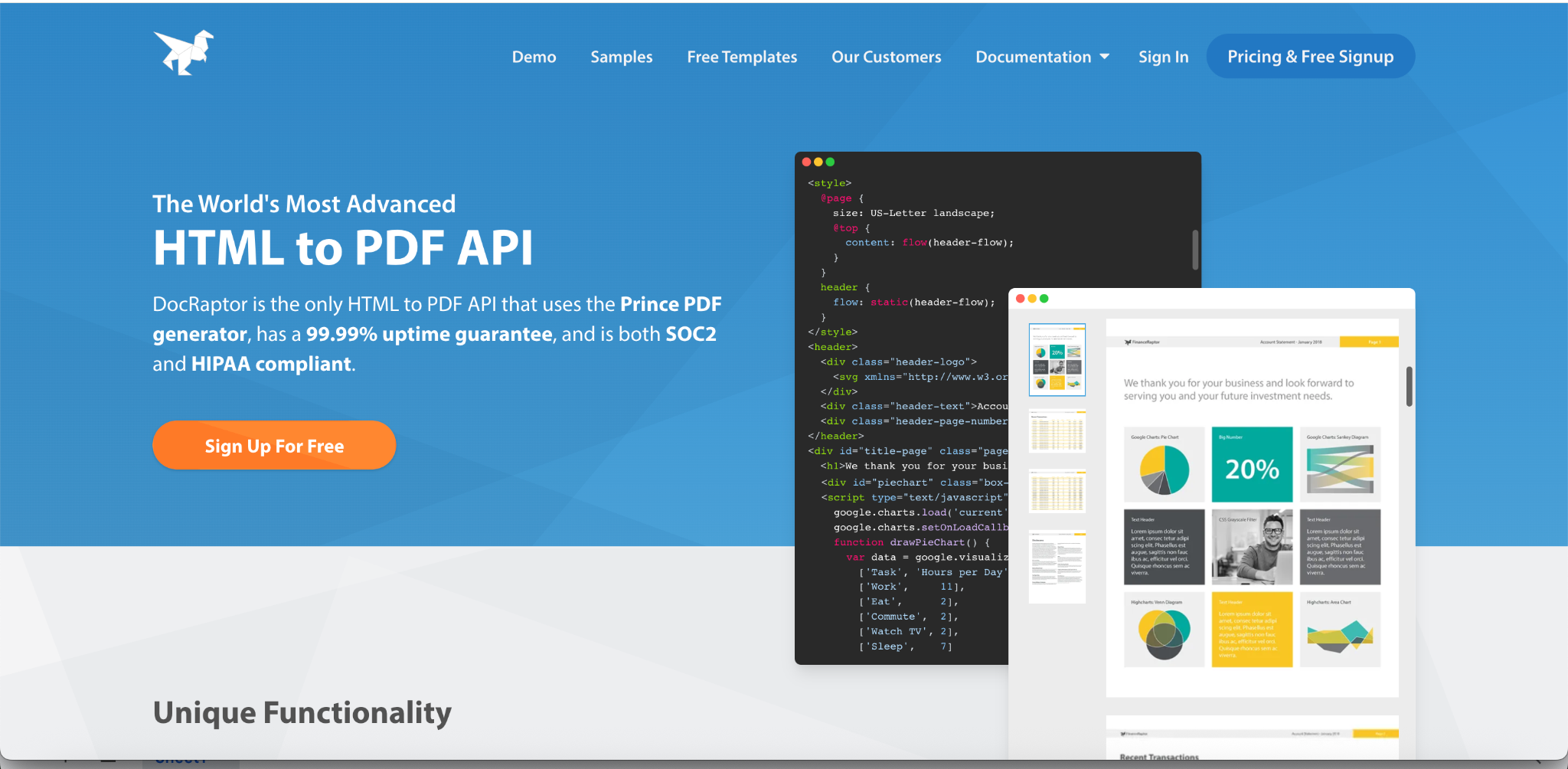
DocRaptor is a hosted API built on the PrinceXML engine, first released in 2003. Its own site frames the difference against Chrome plainly: Chrome is excellent for simple documents and JavaScript-heavy web pages but struggles with PDF-specific styling, floats, and accessibility, which is where Prince is strongest.
- Best for print-grade output. Strong CSS Paged Media support (page numbers, running headers, strict pagination), which makes it the usual pick for complex multi-page reports.
- Hosted Prince. DocRaptor describes its main difference from licensing Prince directly as a lower starting price and instant scalability.
- Accessibility and forms. Comparison sources credit it with accessible PDF output (WCAG and Section 508) and automatic conversion of HTML forms into accessible PDF forms.
- Compliance posture. Comparison sources describe SOC 2, HIPAA, and GDPR support; confirm current attestations with the vendor.
- Pricing. One comparison lists a free plan (5 production documents a month, no overage) and paid tiers from $15 up through $1,000, with an enterprise plan above that. Another puts entry pricing nearer $44, so check the pricing page directly.
- Trade-offs. Prince is not a browser, so HTML that looks right in Chrome can render differently. Paged-media CSS has a real learning curve. A competitor's comparison (PDFBolt) adds that migrating away means rewriting Prince-specific CSS, and claims Prince lacks CSS Grid support and that DocRaptor's JavaScript engines are dated. I couldn't corroborate those last two from DocRaptor's own materials, so verify them against current documentation if your templates depend on Grid or modern JavaScript.
Nutrient (DWS Processor API)
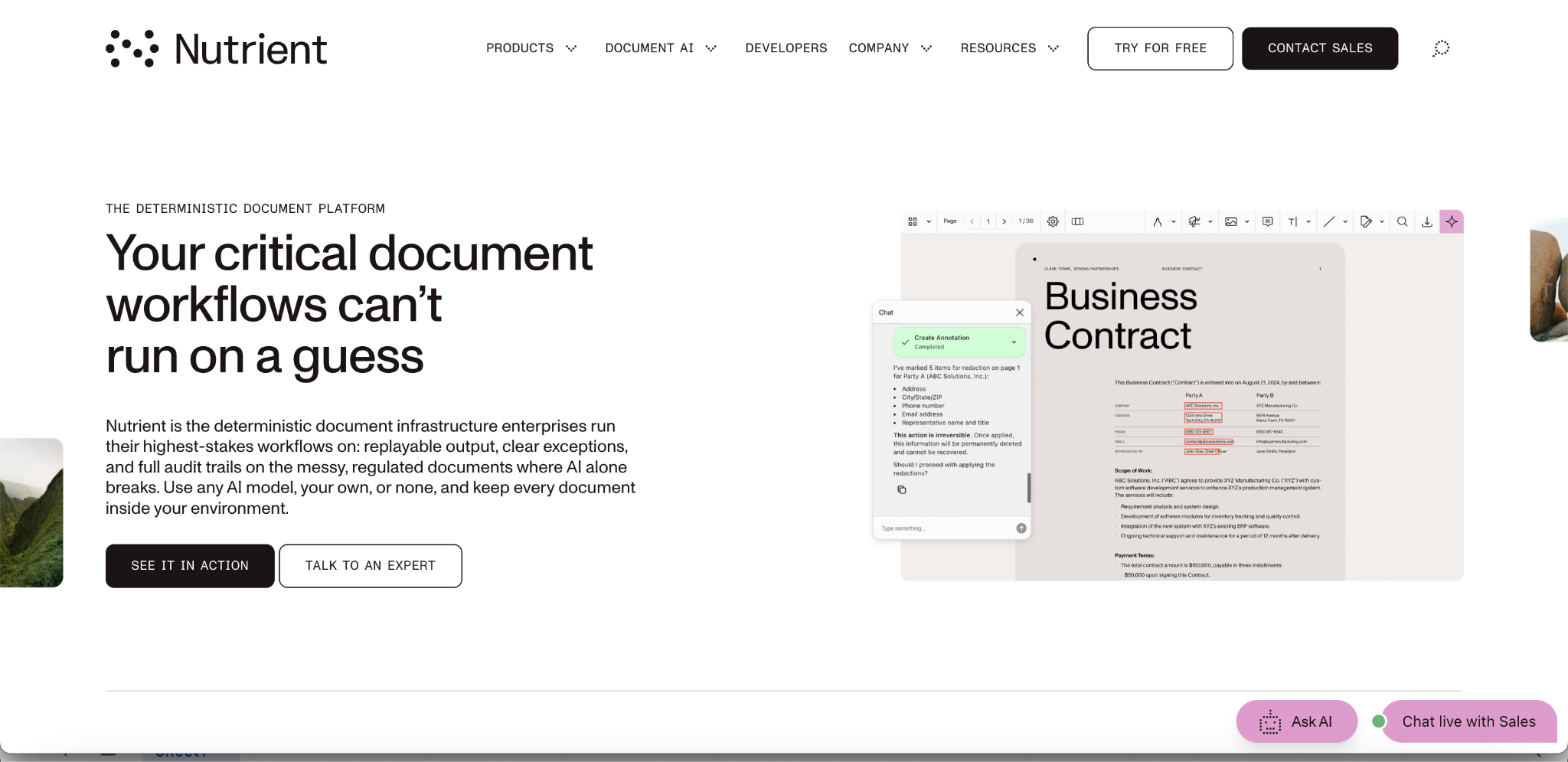
Nutrient's hosted API lets you generate from HTML or convert Office documents and images, then combine processing actions in a single Build request.
- Conversion plus processing in one call. Watermarking, form filling, and flattening can be chained after conversion. Cryptographic signing uses a separate signing endpoint afterward.
- Cost visibility. An analyze endpoint estimates credit usage without executing the conversion, useful for budgeting.
- Deployment options. One comparison cites SOC 2 Type II, HIPAA, and GDPR, plus a self-hosted Document Engine for teams that can't send documents to a cloud API. Confirm current attestations with the vendor.
- Best fit. Its own blog positions it for cases where generation is one step in a larger document process, which is exactly the platform use case, though the source is self-promotional.
PDFShift
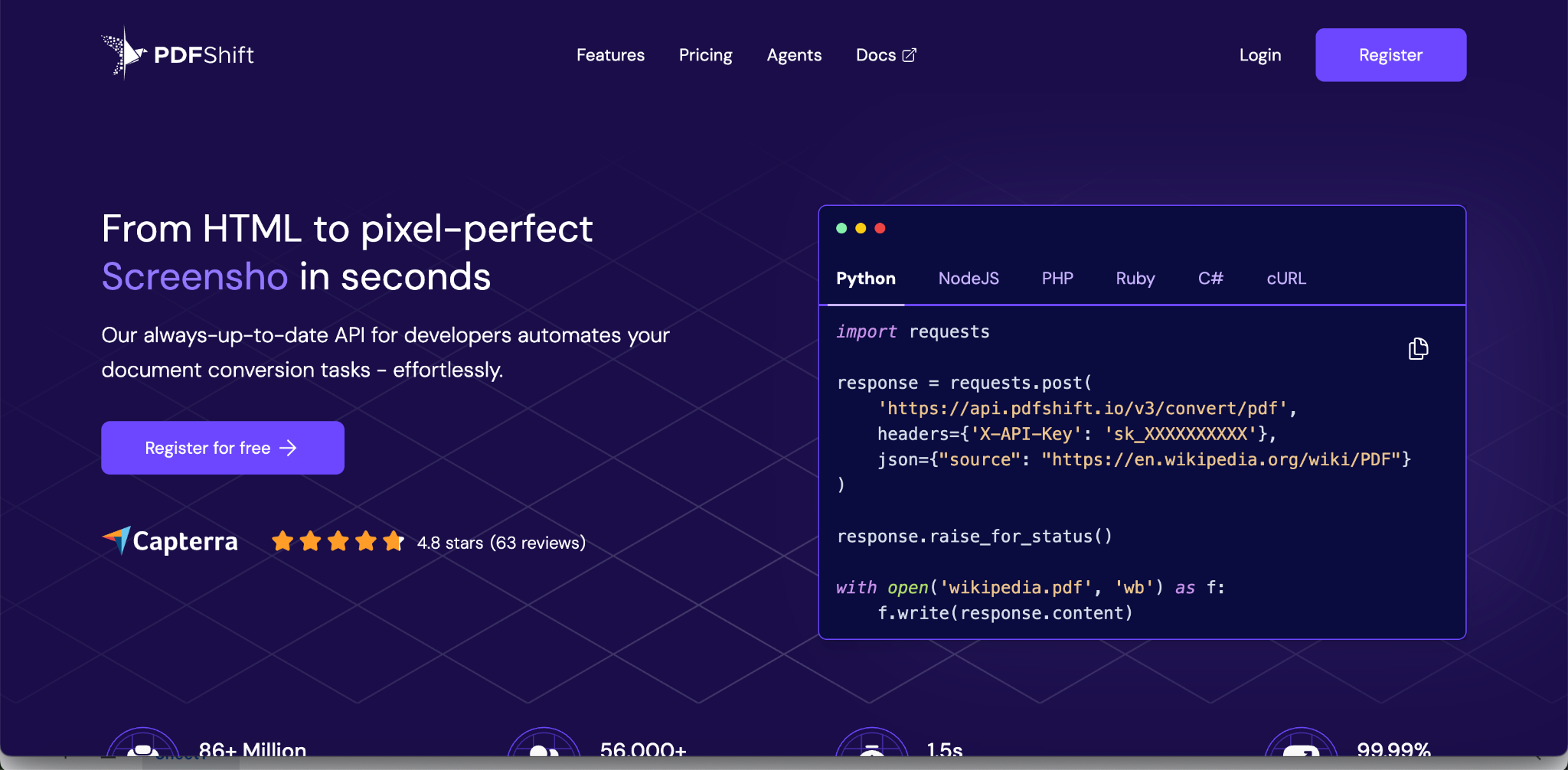
PDFShift is a hosted, Chromium-based HTML-to-PDF API that is deliberately minimal: send HTML or a URL, get a PDF back.
- Feature set. An independent API profile lists headers, footers, watermarks, password protection, JavaScript execution, screenshot capture, webhook notifications, and export to Amazon S3 and Google Cloud Storage. The same profile reports vendor-stated figures of 15,000+ developers and 99.9% uptime.
- Pricing. Credit-based from about $9 a month, with each credit covering one conversion up to 5 MB, and a free tier of 50 credits a month.
- Trade-offs. It is PDF-only. One comparison says Chromium-based renderers lack real page numbers and running headers, but PDFShift and PDFGate both list header and footer options. The safer reading is that header and footer templates exist while CSS Paged Media features (@page rules, margin boxes) don't. Test your page-number requirement directly.
Gotenberg
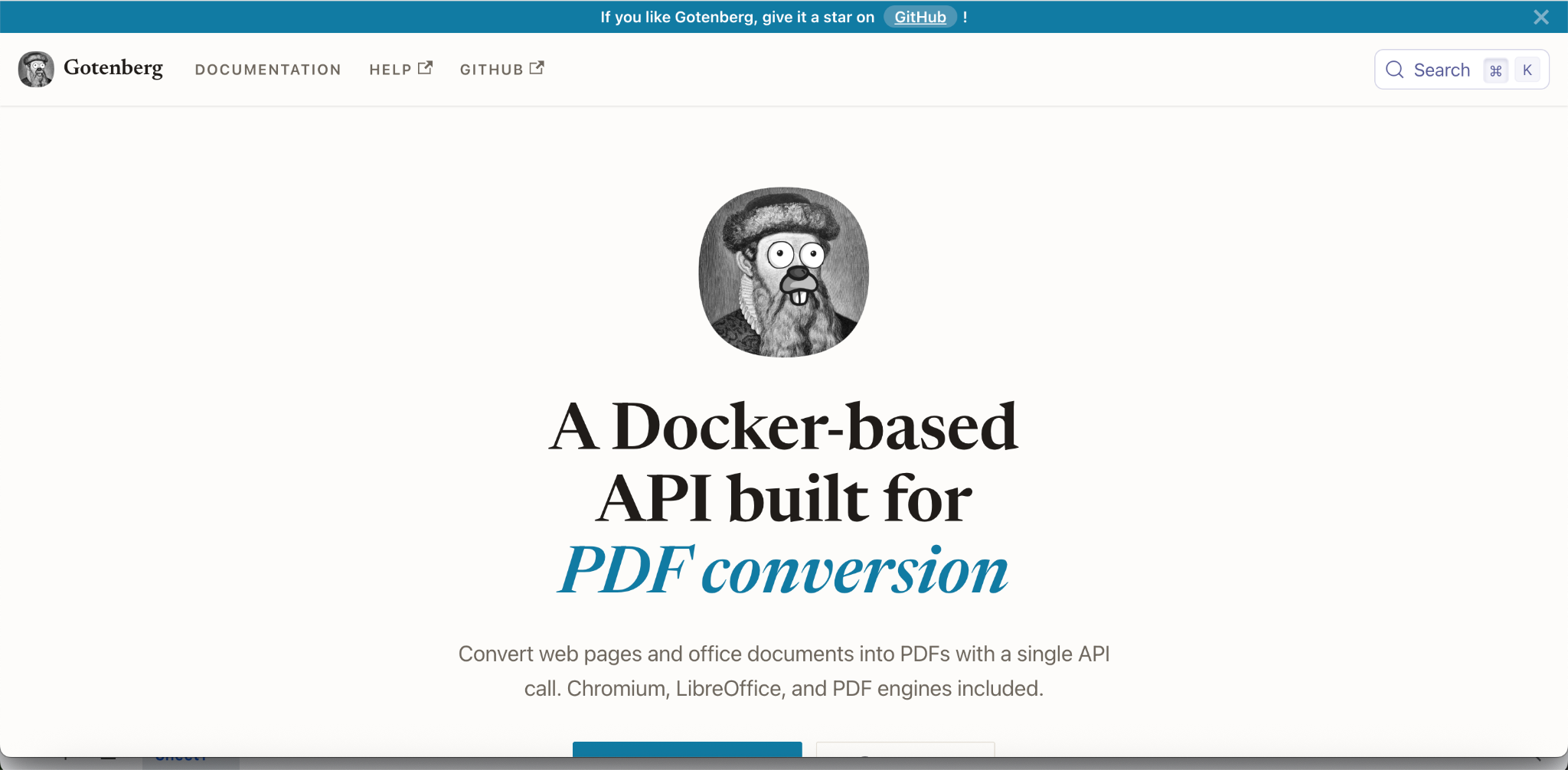
Gotenberg is an open-source, Docker-based API that wraps Chromium and LibreOffice. It converts HTML, Markdown, Word, Excel, and other formats to PDF, and can do more, such as merging.
- Data stays on your infrastructure. You send files by multipart form to a container you run, so nothing leaves your environment.
- The cost moves to operations. As one comparison puts it, it replaces the vendor bill with an ops bill: you own capacity planning, upgrades, and availability.
- Scales horizontally. Running multiple containers behind a load balancer is the pattern one comparison cites for batch workloads.
- Best fit. Teams with data-residency requirements or existing container infrastructure who want broad format coverage without per-document fees.
APITemplate.io
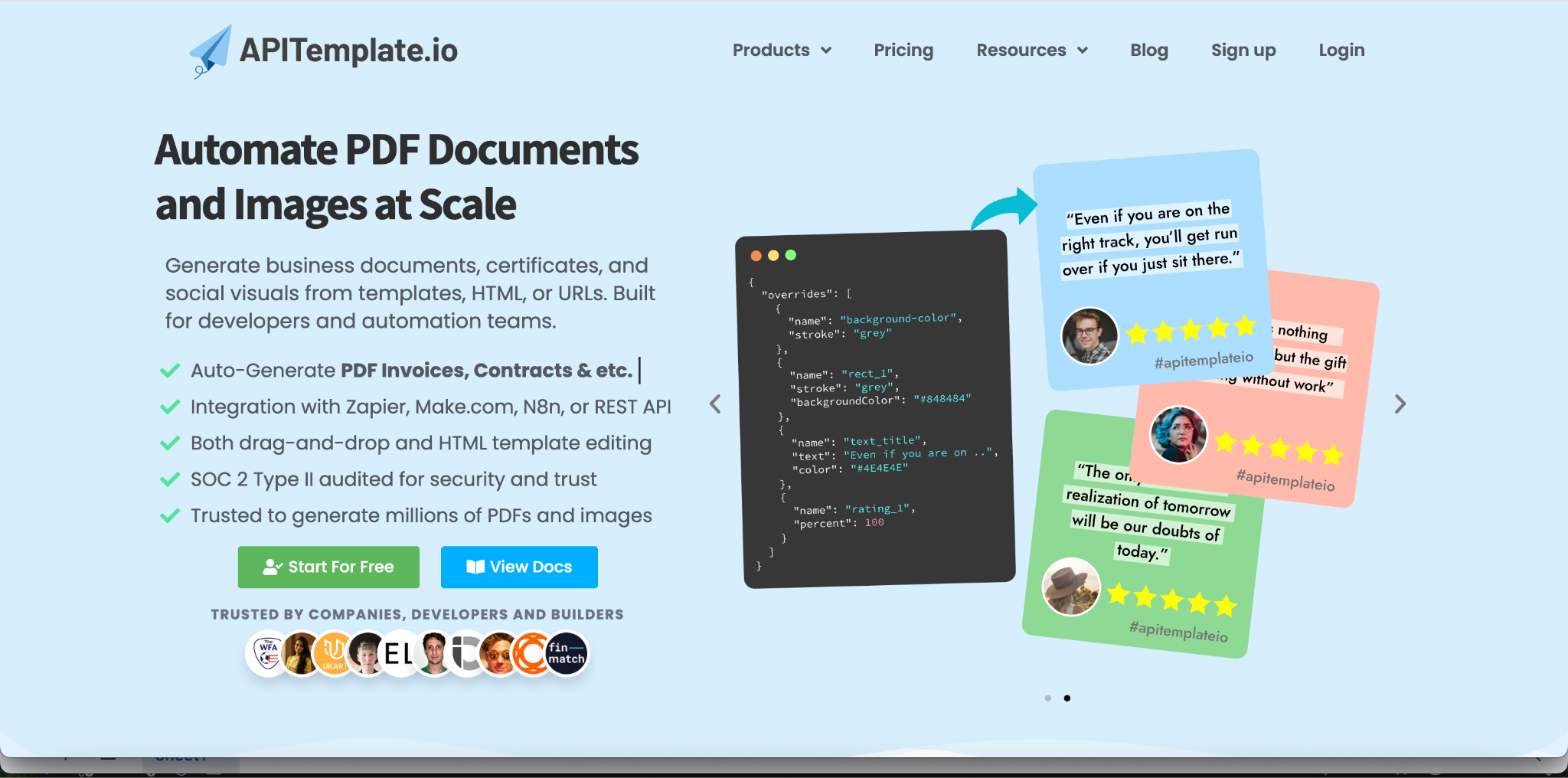
A template-first hosted API supporting template-based generation, HTML to PDF, and URL to PDF.
- Integrations. Works with Zapier, Make, and similar no-code tools.
- Regional endpoints. Processing is available in the US, EU, Singapore, and Australia, which addresses part of the data-privacy concern above.
- Best fit. Teams that want non-developers to manage templates and trigger generation through automation tools.
CraftMyPDF
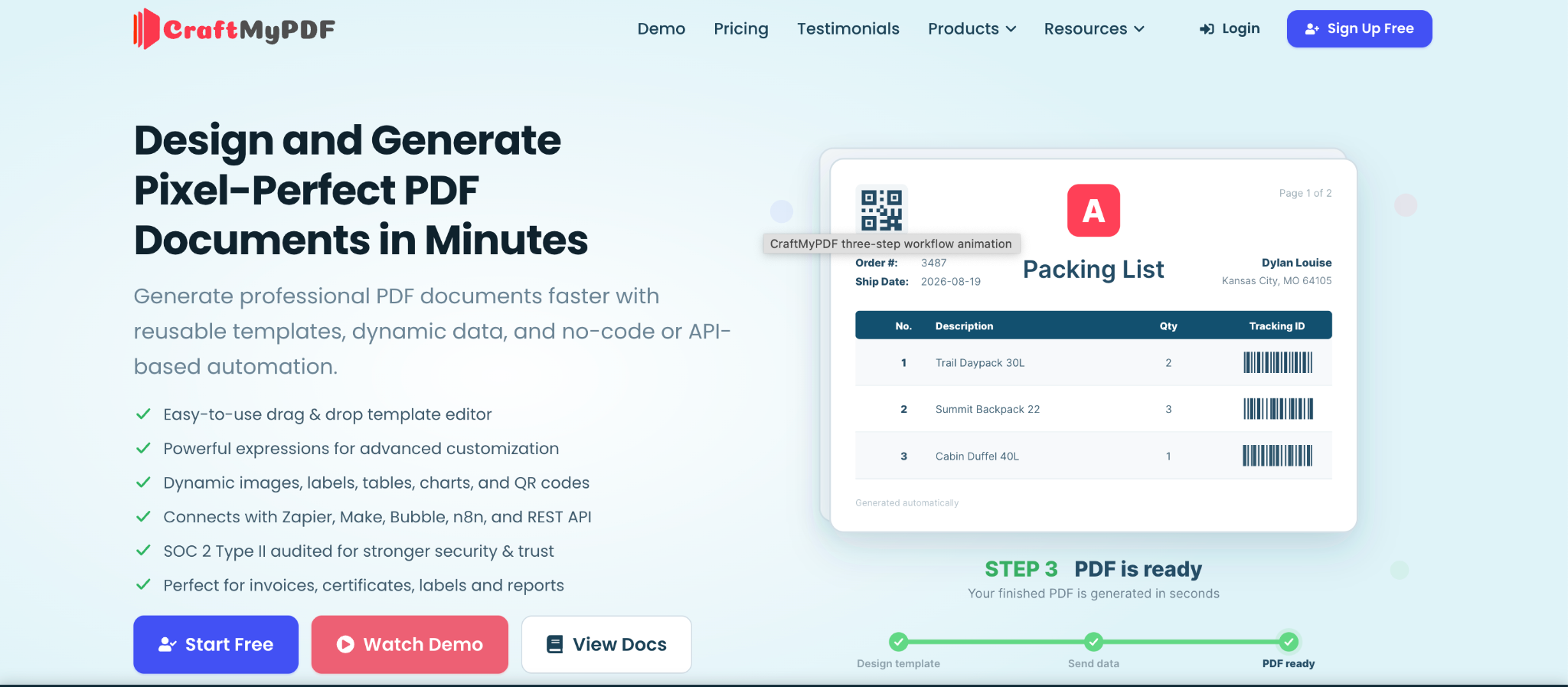
A template-driven service built around a drag-and-drop designer, with an HTML component for pixel-perfect blocks when needed.
- Best fit. Products that want a visual template editor alongside API generation. Its comparison blog favors its own product, so treat the rankings there accordingly.
PDFGate
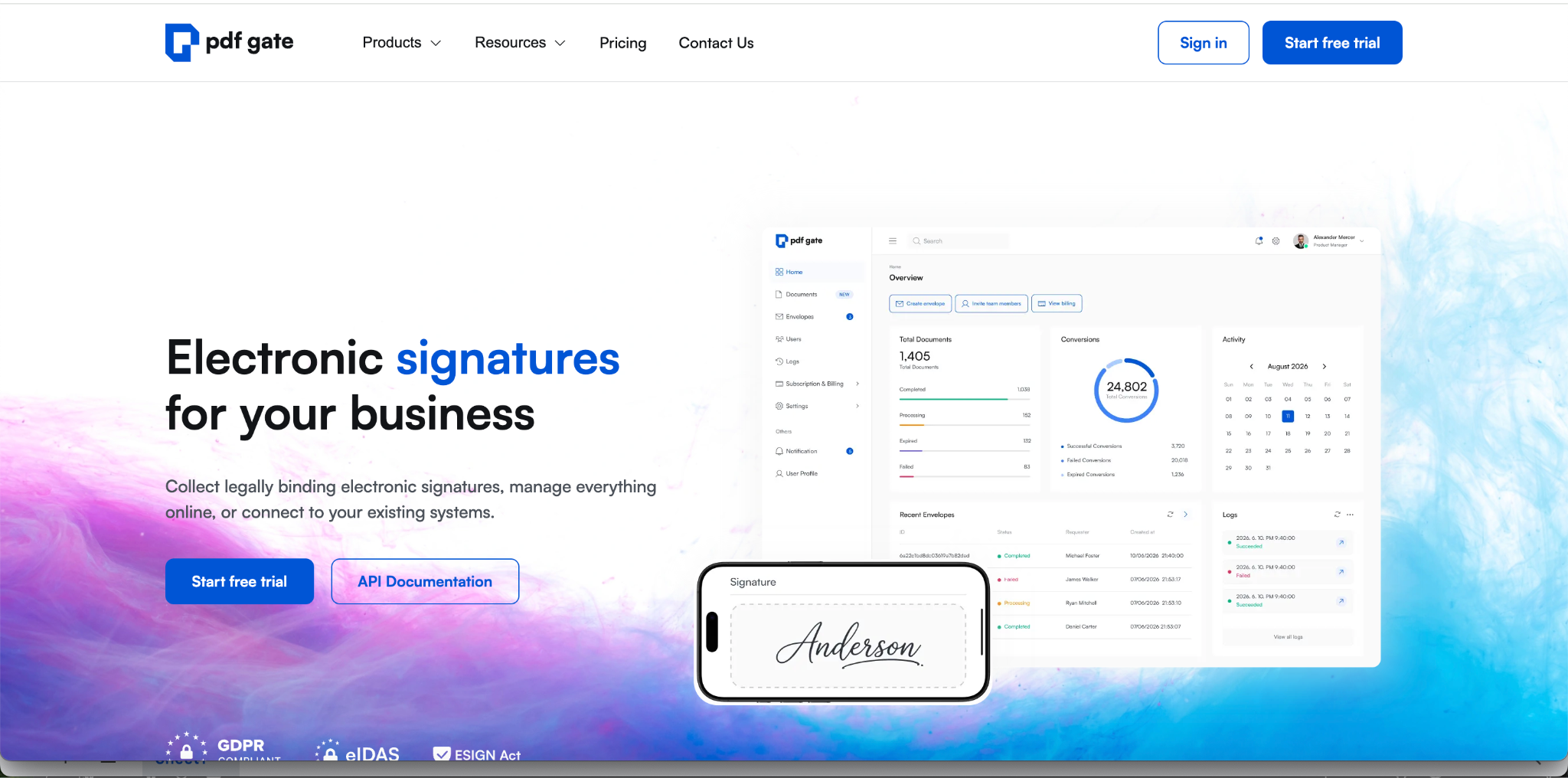
A headless-browser-based API that goes beyond plain conversion.
- HTML forms become fillable PDFs. Input, select, and textarea fields convert automatically, and a custom signature-field tag supports digital signatures.
- Headers and footers with page numbers, logos, or dynamic content.
- Best fit. Workflows that need interactive, fillable output generated straight from HTML.
Pricing Models Matter More Than Sticker Price
- Per-document tiers. DocRaptor sells monthly document quotas. A competitor's comparison puts its Premium tier at $75 for 1,250 documents and Bronze at $399 for 15,000.
- Per-credit with a size rule. PDFShift charges one credit per conversion up to 5 MB, so output size affects cost. Under that rule, a 12 MB PDF would consume three credits (illustrative arithmetic).
- Template-first plans. Some services build their pricing around a template layer, so you're paying for the template product as well as the rendering.
- Free entry points. DocRaptor offers a free plan (5 production documents a month) and, per one comparison, unlimited watermarked test documents for development. PDFShift offers 50 credits a month.
Model your volume, average file size, and required features before comparing, since the pricing shape can outweigh the sticker price.
Which API Fits Which Need
- Print-quality, strictly paginated documents. DocRaptor, or a self-managed commercial CSS engine if budget allows.
- Simple HTML or URL to PDF, minimal setup. PDFShift or a comparable Chromium-based hosted API.
- Data must not leave your environment. Gotenberg, or Nutrient's self-hosted Document Engine.
- Conversion is one step in a longer document workflow. Nutrient's chained Build requests.
- Non-developers manage templates. APITemplate.io or CraftMyPDF.
- Fillable PDFs generated from HTML forms. PDFGate or DocRaptor (one comparison also names PDFCrowd).
- Filling, flattening, and signing existing PDFs after conversion. Nutrient, which chains form filling and flattening into one Build request and signs through a separate endpoint.
- Print-CSS documents without JavaScript in a Python stack. WeasyPrint, per one migration guide's suggestion, or a hosted Prince-based service if budget allows.
- Many input formats through one API. CloudConvert or ConvertAPI, or Gotenberg if you self-host.
- Heavy asynchronous workloads. One comparison singles out DocRaptor and PDFShift for async generation; verify which plan tier includes it.
Running Conversion at Scale: Practical Notes
- Batch processing. Self-hosted setups scale by adding containers behind a load balancer. Some hosted APIs offer asynchronous requests with webhooks, so confirm which plan tier includes them. In-process libraries such as IronPDF batch through async calls, and Python teams commonly pair WeasyPrint with Celery workers.
- Data privacy. Hosted conversion means sending documents to a third party. Regional endpoints, compliance attestations, and self-hosting are the main mitigations, and the right choice depends on document sensitivity.
- Security features. Chromium itself doesn't add PDF encryption or permissions, so tools built on it add them as a separate post-processing step. Some hosted APIs bundle that step (PDFShift lists password protection), so confirm it's included in the plan you're pricing.
- Rendering differences. Different engines interpret the same HTML differently. Prince and Chromium are the clearest example. Test with your real templates before committing, since one comparison rightly notes a hands-on test with a real document tells you more than any feature list.
- Accessibility and archival. Comparison sources credit DocRaptor with accessible output (WCAG and Section 508). I couldn't verify PDF/A archival support for the APIs covered here, so confirm it directly if your platform needs long-term records retention.
- Legacy tooling. One migration guide, written by the founder of a competing async API (PDFik), reports that wkhtmltopdf has been archived with an open CVE. Check its repository yourself. One comparison also notes the command-line print-to-PDF mode in Chrome is being deprecated in favor of the DevTools Protocol.
Conclusion
PDF conversion APIs aren't interchangeable. The engine (Prince versus Chromium versus LibreOffice), the deployment model (hosted versus self-hosted), the pricing shape, and the surrounding features (chained processing, forms, signing, templates) determine which one fits a document processing platform. Pick by the document you actually produce, run it through your top two candidates, and let the rendered output, the operating cost, and the data-handling terms make the decision.
FAQ
What's the difference between PDF generation and PDF conversion?
Generation creates a PDF from HTML, templates, or JSON data. Conversion changes an existing file (Word, Excel, an image) into a PDF, or a PDF into another format. Many APIs do only one, so confirm which your platform needs.
Why does my HTML look different in the PDF than in Chrome?
Different engines interpret HTML and CSS differently. Prince, which powers DocRaptor, isn't a browser, so layouts that look right in Chrome can render differently, while Chromium-based APIs match Chrome but lack paged-media features like @page rules.
Should I use a hosted API or self-host?
Hosted APIs remove rendering-engine maintenance but send documents to a third party. Self-hosting (Gotenberg, Nutrient's Document Engine) keeps data in your environment but moves capacity planning, upgrades, and availability onto your team.
Which API is best for print-quality, paginated documents?
DocRaptor is the usual recommendation, thanks to Prince's CSS Paged Media support, with the caveat that paged-media CSS has a learning curve.
Can these APIs fill forms or sign documents?
Some can. PDFGate and DocRaptor convert HTML form fields into fillable PDF forms. Nutrient fills and flattens existing forms as part of a chained request and signs through a separate endpoint.
How is pricing usually structured?
Commonly per-document tiers (DocRaptor), per-credit with a file-size rule (PDFShift), or template-first plans. The shape matters as much as the sticker price, so model your volume and average file size.
More articles

Metrics to Measure the ROI of Document Workflow Automation (2026)
The metrics that measure document workflow automation ROI: baselines, formulas, cost per document, STP rate, payback, and how to read the statistics.
API for Utility Bill and Multi-Service Statement Processing (2026)
How document processing APIs handle utility bills and multi-service statements: how the market splits, schema design, validation, and named options.