%20{%20:root%20{%20--deepread-stroke:%20%23E5E7EB;%20}%20}%20.dark%20{%20--deepread-stroke:%20%23E5E7EB;%20}%20%3c/style%3e%3crect%20x='40'%20y='30'%20width='220'%20height='260'%20rx='28'%20ry='28'%20stroke='var(--deepread-stroke)'%20stroke-width='16'%20fill='none'/%3e%3cpath%20d='M180%2030v52c0%2010%208%2018%2018%2018h62'%20stroke='var(--deepread-stroke)'%20stroke-width='16'%20fill='none'/%3e%3cline%20x1='70'%20y1='130'%20x2='200'%20y2='130'%20stroke='var(--deepread-stroke)'%20stroke-width='16'%20stroke-linecap='round'/%3e%3cline%20x1='70'%20y1='165'%20x2='200'%20y2='165'%20stroke='var(--deepread-stroke)'%20stroke-width='16'%20stroke-linecap='round'/%3e%3cline%20x1='70'%20y1='200'%20x2='170'%20y2='200'%20stroke='var(--deepread-stroke)'%20stroke-width='16'%20stroke-linecap='round'/%3e%3c!--%20green%20download%20arrow%20in%20bottom%20right%20corner%20--%3e%3cpath%20d='M210%20202v58'%20stroke='var(--deepread-accent)'%20stroke-width='18'%20stroke-linecap='round'/%3e%3cpath%20d='M195%20245l15%2015%2015-15'%20fill='none'%20stroke='var(--deepread-accent)'%20stroke-width='18'%20stroke-linecap='round'%20stroke-linejoin='round'/%3e%3c/svg%3e)
Nanonets Alternatives: 7 Document Processing Platforms Compared
Explore 7 Nanonets alternatives with a side-by-side comparison of document extraction, IDP features, pricing.
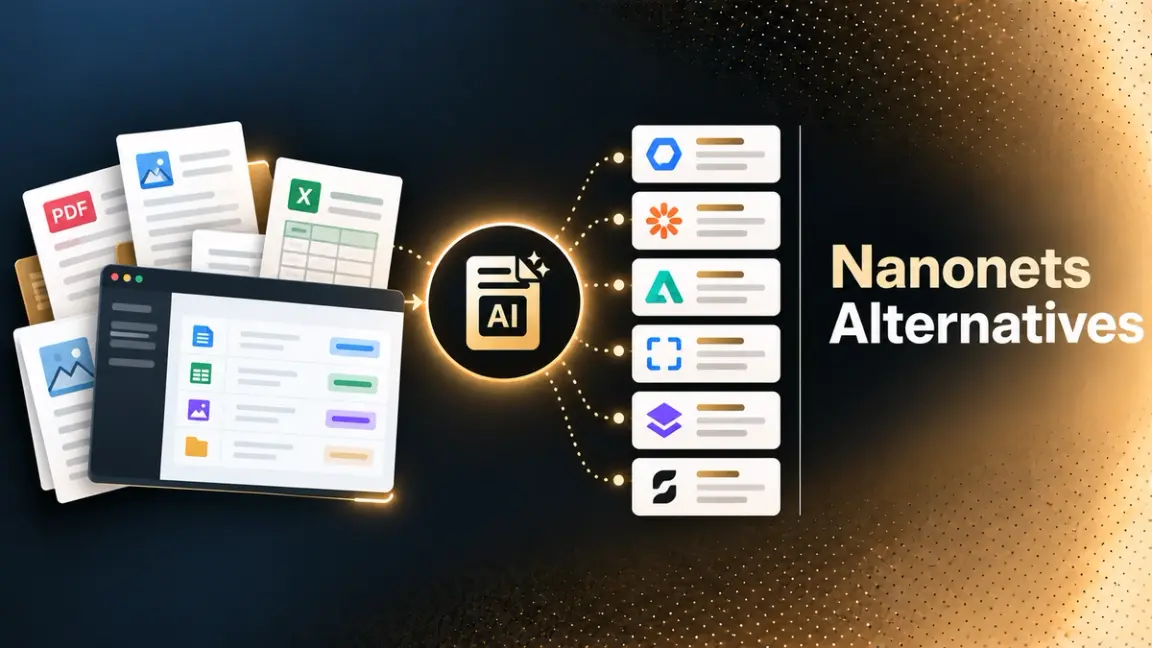
Nanonets built its name on document extraction, but the product on its site today is positioned differently: "AI Agents for Enterprise Data Processing," built around a context-graph layer (Nanonets calls it Trail) that encodes company policy and runs full business processes like accounts payable, reconciliation, and claims adjudication, not just pulling fields off a document. Pricing has moved to a per-block consumption model, where every step in a workflow- formatting, classification, extraction- is metered separately.
That's a legitimate product direction, and it's clearly working for the enterprises Nanonets names as customers. It's also, for a specific kind of team, exactly why the search for an alternative starts: if what you actually need is accurate, predictable document extraction you can build on, not an opinionated agent platform priced per workflow step, the fit may have changed for you even if your use case hasn't.
This covers seven platforms people evaluate as alternatives, checked directly against each vendor's own site, plus what's actually worth testing before you commit to switching. For the wider category beyond these seven, a technical comparison of AI document extraction platforms goes deeper on the extraction-first options.
Who This Guide Is For
- Developers and engineering teams who adopted Nanonets for document extraction specifically and want to know what else returns clean, structured output without requiring a full agent-platform migration.
- Ops and finance leaders evaluating whether Nanonets' newer per-block, agent-centric pricing still fits a workflow that's really just "extract this invoice accurately," not a multi-step automated process.
- IT and procurement teams comparing enterprise-grade alternatives like Rossum or UiPath, where implementation depth and contract terms matter as much as the underlying extraction.
- Compliance and security teams who need to confirm data handling, certifications, and deployment options as part of any switch, regardless of which alternative looks best on paper.
What to Know About Nanonets Today
A few things worth confirming before comparing alternatives, since they're the most common reasons the comparison starts in the first place:
- Nanonets now centers on AI agents, not standalone extraction. Its current product, Trail, imports company policies and documentation into a "context graph" and builds agents that act on it across tools like Slack, email, and ERPs, a materially bigger product than a document extraction API.
- Pricing is per-block, not a flat per-page rate. Simple operations run $0.02 per run, standard AI steps $0.10, and complex AI (extraction, generative) $0.30 per run, with a typical invoice workflow running four to six blocks, meaning cost scales with workflow complexity, not just document volume. Other usage-based models are compared in pay-as-you-go document processing tools.
- The free tier is credit-based. New accounts start with $50 in free credits (no card required), then $100/month for 100 credits on the Starter plan; Growth and Enterprise tiers are volume-priced and quote-based.
None of that makes Nanonets a worse product; it makes it a different one than it was when many teams first adopted it. That's the gap this list is for.
The Alternatives
DeepRead
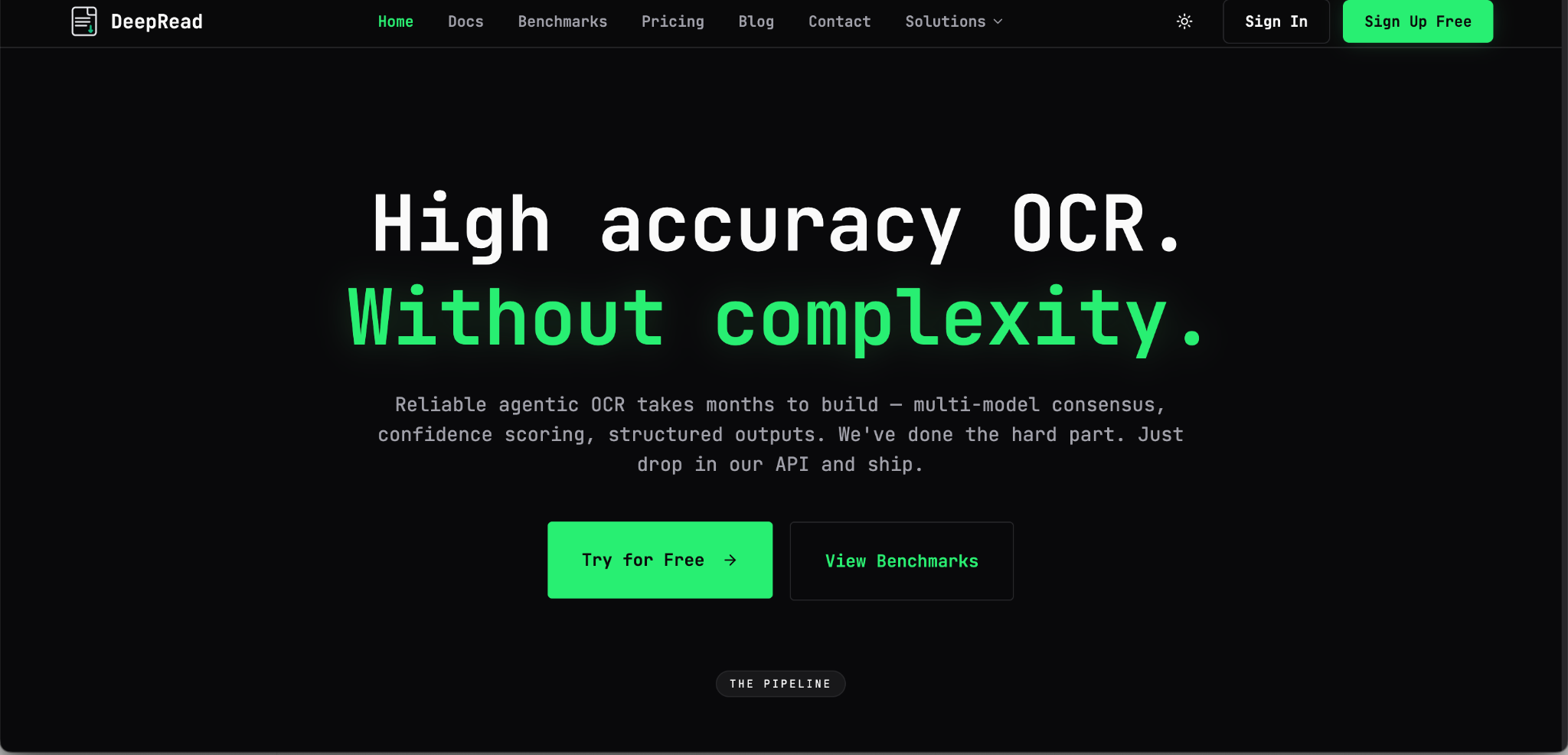
DeepRead is built specifically as a document extraction API, not a broader agent platform, with structured output and per-field confidence scoring, flagged for review rather than returned as a silent guess.
- What it does: Three products on one API key, chosen per request: Parse (the document as Markdown, with layout blocks and bounding boxes), Extract (Parse, then the fields you ask for as JSON against your schema), and Deep Extract (two OCR engines, adjudicated disagreements, and a verification pass on every value).
- Accuracy: Published benchmark results across eight document types (invoices, medical bills, payslips, bank statements, insurance, W-2s, driver's licenses, offer letters), scored against a manually verified ground truth, with per-document and competitor comparisons at deepread.tech/benchmarks.
- Review handling: On every plan, fields come back with page, bounding box, and source text citations, plus review flags with reasons, so uncertain values are marked needs_review rather than returned as if certain.
- Pricing: Free for 2,000 pages a month (up to 50 pages per document, 15 MB per file), no card required. Standard is pay-per-page, with credits you buy and use as you go: $10 per 1,000 pages for Parse, $20 for Extract, and $40 for Deep Extract, with no monthly page limit and documents up to 1,000 pages. Enterprise is custom, adding volume discounts, SSO/SAML, EU/AU data residency, bring-your-own model keys, a custom SLA and MSA, and pay by invoice or PO.
- Switching incentive: Up to $1,000 in credits for teams moving from another document processor, per its pricing page.
- Best fit: Teams that want an accurate extraction layer to build their own workflow logic on top of, rather than adopting a pre-built agent platform.
Reducto
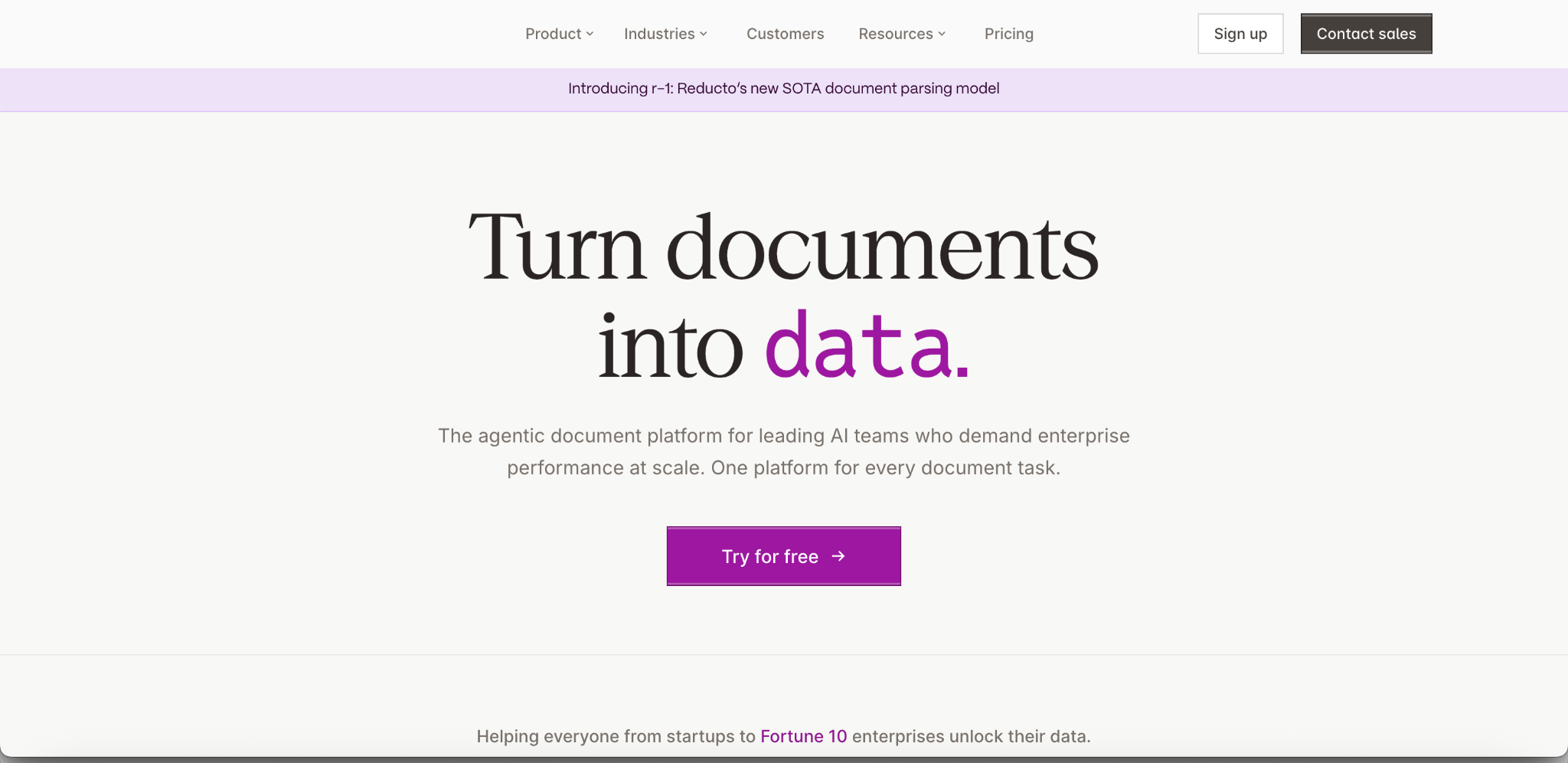
Reducto positions itself as an "agentic document platform" with a toolbox of APIs (Parse, Extract, Split, Classify, and Edit) built around its own parsing model (r-1), which it markets at a flat per-page rate.
- What it does: Parse (layout-aware document reading with bounding-box citations), Extract (schema-level structured data), Split (separating multi-document files or long forms), and Edit (filling detected blanks, tables, and checkboxes without pre-defined templates).
- Scale claim: States it has processed more than 5 billion pages, with named customers including Harvey, Scale AI, and Vanta.
- Pricing: Standard plan starts free with $150 in usage credit (15,000 credits), then pay-as-you-go at $10 per 1,000 pages (Parse), $20 (Extract), $40 (Deep Extract), $7.50 (Classify), and other rates by endpoint. Growth and Enterprise are custom-quoted with volume discounts; Reducto states HIPAA compliance with a BAA available and zero data retention agreements on Growth and above.
- Switching incentive: Offers up to $5,000 in migration credits for teams coming from another document processor.
- Best fit: Teams processing high-complexity documents (dense tables, financial filings, long forms) who want a developer-first API with per-endpoint pricing transparency.
Landing AI
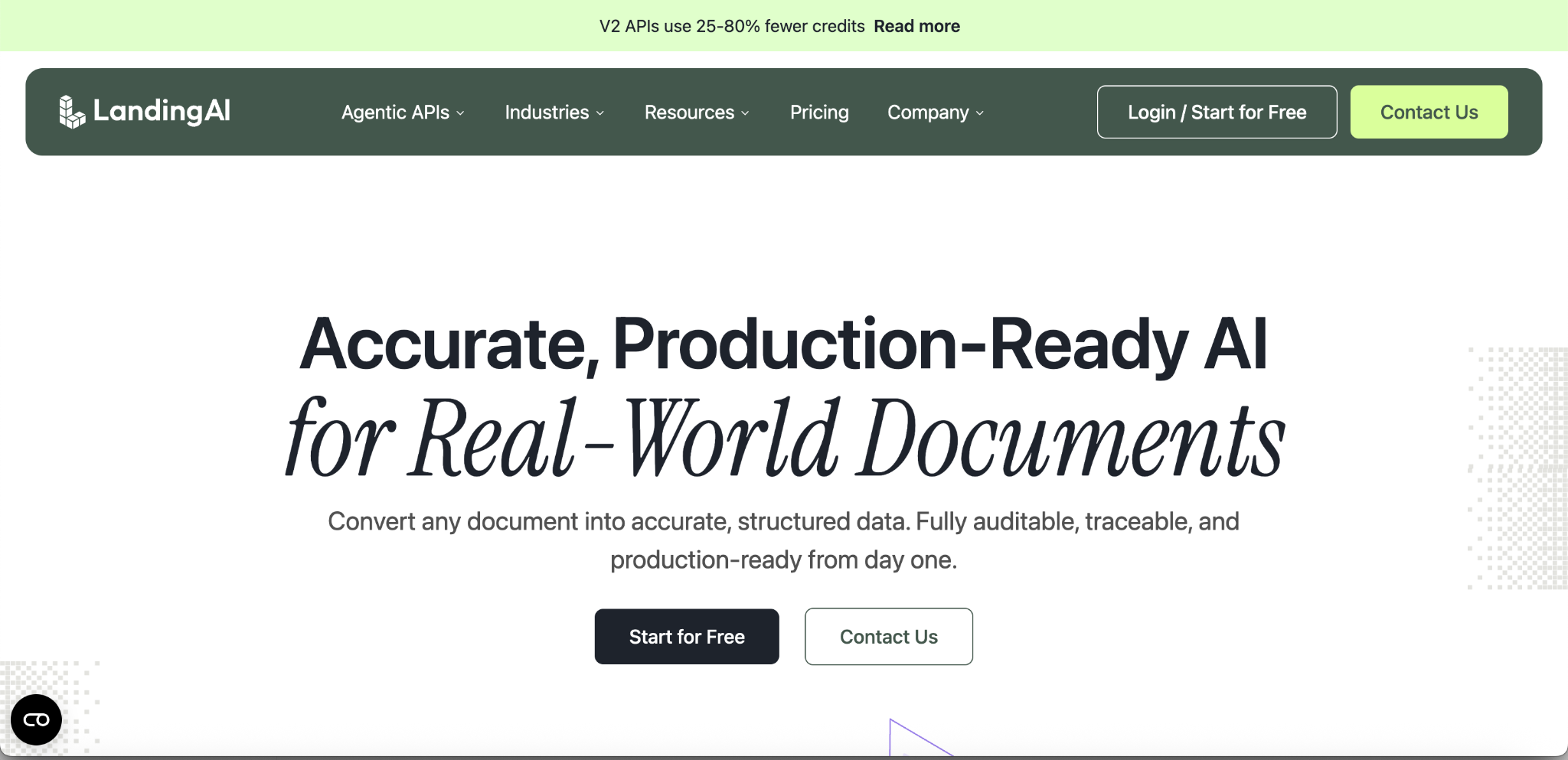
Landing AI's Agentic Document Extraction (ADE) product emphasizes auditability; every extracted value comes with a page number and coordinate citation, alongside confidence scoring for flagging uncertain results.
- What it does: Parse (layout-aware Markdown with structured content blocks), Split (segmenting multi-document files and classifying mixed document types), and Extract (schema-first field extraction, including large, multi-table extraction).
- Traceability: Every parsed value is citable down to the page, coordinates, and table cell, positioned as a core differentiator for regulated use cases.
- Pricing: Explore is pay-as-you-go ($1 buys 100 credits, 1,000 free credits to start). Team starts at $250 a month in credit packs and adds shared usage, team management, zero data retention, and HIPAA-compliant processing with a BAA; Enterprise is custom. Pricing is the same in US and EU regions.
- Best fit: Teams in regulated industries (financial services, healthcare, insurance) that need per-value audit trails as a baseline requirement, not an add-on.
Rossum
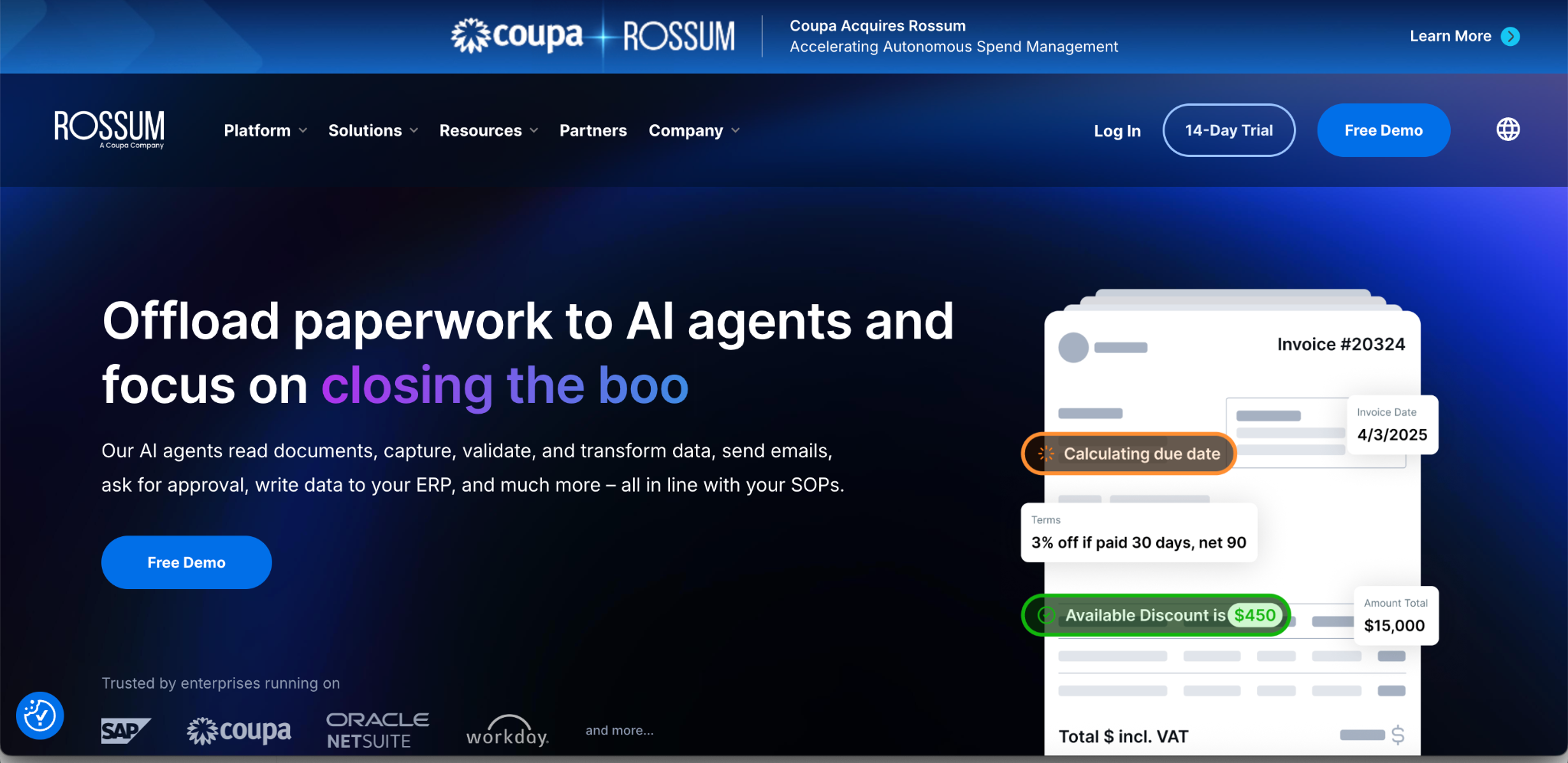
Rossum is positioned as an end-to-end AI document processing platform built around Aurora, its own transactional-document LLM, aimed at full workflow automation rather than extraction alone, which puts it closer in scope to Nanonets' current direction than to a lean extraction API.
- What it does: Document ingestion via email, API, and manual upload; Aurora extraction supporting 270+ languages, per Rossum's own page; a validation screen for exceptions; and downstream ERP integration (SAP, Coupa, Workday, Oracle, and others).
- Recognition: Named a Leader in the Everest Group Intelligent Document Processing PEAK Matrix Assessment 2026, per Rossum's own announcement.
- Ownership: Coupa announced it acquired Rossum on May 12, 2026, so confirm roadmap and pricing implications for non-Coupa ERPs.
- Pricing: The Starter plan is listed as starting at $18,000 per year, including unlimited seats, with every tier routed through "Get A Quote." Higher tiers add SSO, document translation, multi-document transactions, and a longer archive, all quote-based. Rossum's pricing page also describes a 14-day free trial.
- Best fit: Larger organizations replacing Nanonets with another full workflow platform rather than downgrading to a point-solution API, and who have budget for an annual contract. The trade-offs at that scale are covered in enterprise-scale document automation software.
UiPath Document Understanding (IXP)
UiPath's document intelligence now sits under IXP (Intelligent Xtraction and Processing), which brings together Document Understanding and Communications Mining with generative extraction on the UiPath platform. It extracts and interprets document data as part of larger RPA and automation workflows rather than serving as an isolated extraction API.
- What it does: Classification and extraction for documents and communications, with human-in-the-loop validation, feeding agents and robots on the UiPath platform.
- Context: Most relevant to organizations already running UiPath for RPA. Document Understanding remains available as a standalone service in Automation Cloud and in Automation Suite. IXP is also available through Google Cloud Marketplace, with Gemini as the default model for new projects.
- Pricing: Not published on UiPath's IXP pages; confirm with UiPath or the marketplace listing.
- Best fit: Enterprises already standardized on UiPath for RPA, where document processing is one capability inside a larger automation platform rather than a separate purchase decision.
Amazon Textract
Textract is AWS's machine learning service for document text and data extraction, split across several distinct APIs rather than a single unified endpoint.
- What it does: Detect Document Text (OCR for text and handwriting), Analyze Document (Forms, Tables, Queries, Signatures, and Layout, callable in combination), Analyze Expense, Analyze ID, and Analyze Lending (mortgage-specific classification and extraction).
- Integration: Built to plug directly into the broader AWS ecosystem (S3, Lambda, Comprehend), which matters most to teams already standardized on AWS infrastructure.
- Pricing: Usage-based, billed per page by API and feature combination, with a limited monthly free tier for new AWS customers for the first three months. Current rates are on AWS's Textract pricing page.
- Best fit: Teams already running on AWS who want extraction as one managed service inside an existing cloud architecture, rather than a dedicated document-processing vendor relationship..
Google Document AI
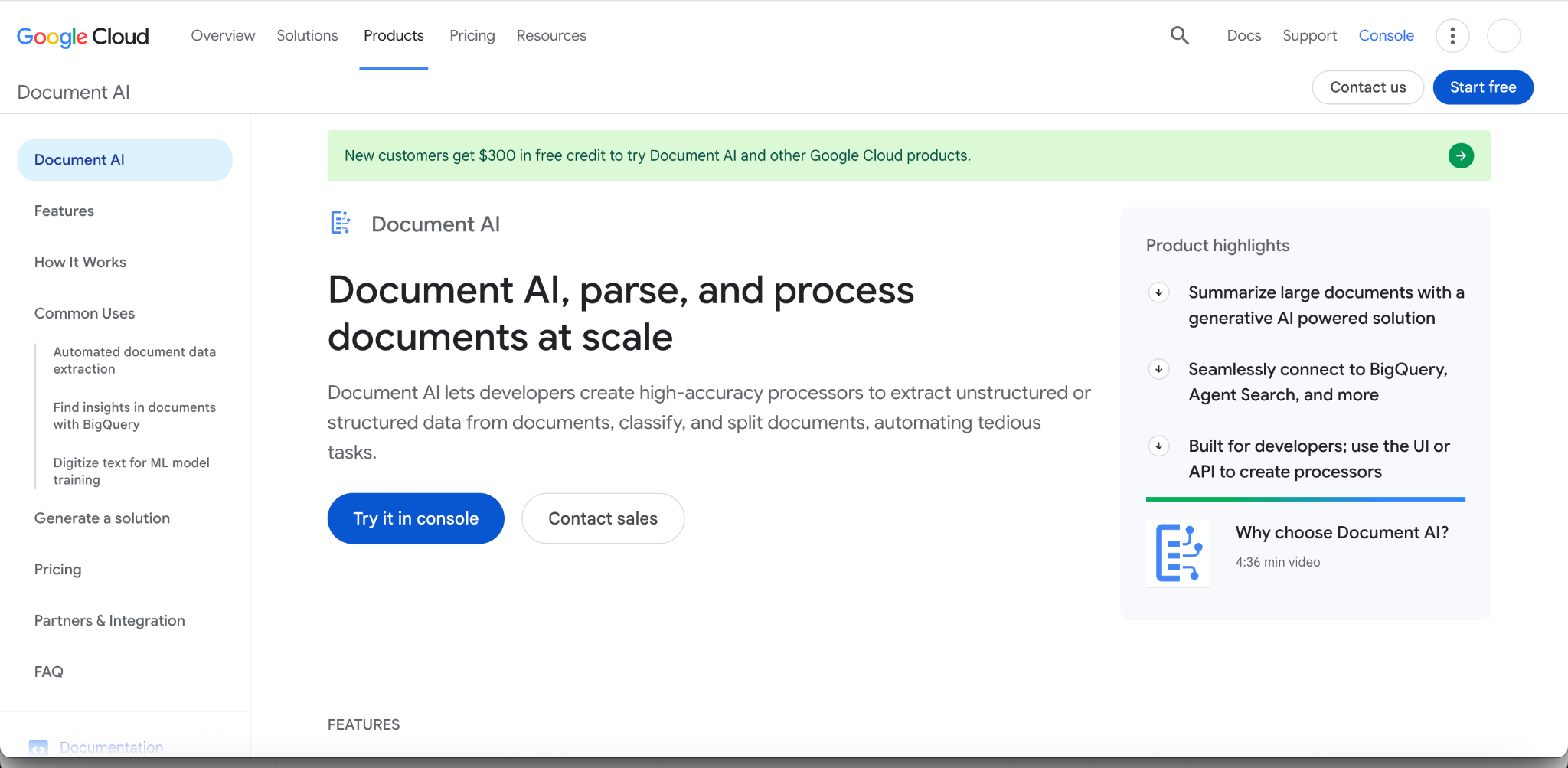
Document AI is Google Cloud's document processing service, offering pretrained and custom processors for extraction, splitting, and classification, priced per 1,000 pages and varying by processor type.
- What it does: Custom extractor (generative-AI-powered; Google says as few as 10 documents can fine-tune it), Custom splitter, Custom classifier, and Enterprise Document OCR for general text and layout extraction.
- New customer offer: $300 in free credit to try Document AI and other Google Cloud products.
- Pricing: Enterprise Document OCR is $1.50 per 1,000 pages up to 5 million pages a month, then $0.60 per 1,000 above that. Custom extractor and Form Parser run $30 per 1,000 pages up to 1 million, and $20 above that. Layout Parser is $10 per 1,000 pages. Full current rates are on Google Cloud's Document AI pricing page.
- Best fit: Teams already on Google Cloud who want document processing billed and managed alongside the rest of their GCP usage.
How Accuracy Actually Compares
Most of this category markets accuracy as a headline number without saying what it was measured against. One exception worth naming directly: DeepRead publishes a benchmark that measures its own extraction accuracy against Nanonets, Reducto, and Landing AI on identical document sets drawn from eight document types, with the dataset public for verification at deepread.tech/benchmarks. Accuracy is the percentage of fields that exactly match a manually verified ground truth, and every vendor is scored the same way. On DeepRead's published results, its average is 96.8%, against 58.8% for Nanonets, 73.2% for Reducto, and 72.7% for Landing AI.
Nanonets comes closest on payslips (93.3% against DeepRead's 96.6%) and W-2s (92.3% against 96.9%), and trails furthest on offer letters (33.3% against 95.0%), driver's licenses (43.8% against 96.7%), and invoices (44.4% against 97.8%). The page also reports a separate human-in-the-loop review rate, the share of fields flagged needs_review, which is independent of accuracy because a correct field can still be flagged.
That's DeepRead's own benchmark methodology, so evaluate it on its own terms rather than as a neutral third-party study; the public dataset is what lets you check it. Nanonets, for its part, publishes its own benchmark results, where its OCR-3 model ranks first on the IDP Leaderboard, so each vendor's number is a claim about its own methodology. The comparison also doesn't cover Rossum, UiPath, Textract, or Document AI, none of which appear in a measured, apples-to-apples comparison against Nanonets that's publicly available, so treat any claim of superiority over those four as unverified until you test it on your own documents.
What to Actually Check Before Switching
A feature list and a pricing page only get you so far. Before committing to a migration:
- Run your own documents through it, not a demo set. Whatever looks clean in a vendor's sample gallery tells you very little about your actual invoices, claims, or forms.
- Confirm the pricing model against your real workflow. A per-block or per-credit model can cost more or less than a flat per-page rate depending on how many steps your documents actually need; model it against your volume before assuming either is cheaper.
- Ask what happens to low-confidence extractions. Some platforms flag uncertain fields explicitly; others don't make that distinction as visible. This affects how much manual review work you're actually signing up for.
- Check for migration credits or assistance. Several platforms, including DeepRead and Reducto, offer credits specifically for teams migrating an existing workload, worth asking about directly rather than assuming you're starting from zero cost.
- Verify compliance and deployment requirements match, SOC 2, HIPAA, data residency, and SSO support vary meaningfully across this list, and matter more than extraction quality alone if you're in a regulated industry.
- Test integration effort honestly, not just whether an integration exists, but whether it works with your specific configuration without a professional services engagement.
Conclusion
Nanonets is a capable platform; its shift toward agentic business-process automation is a real product strategy, not a step back. But that shift is also the most common reason teams start evaluating alternatives: if the job was always "extract this document accurately," a platform now priced and built around multi-step agent workflows can be more than what's needed. The seven alternatives here split roughly into three groups: extraction-first APIs (DeepRead, Reducto, Landing AI), full workflow platforms (Rossum, UiPath), and cloud-native building blocks (AWS Textract, Google Document AI), and the right one depends on whether you want a focused extraction layer, a complete platform, or a managed service inside infrastructure you already run.
Whichever direction you're leaning, the same test applies: run it against your own documents before you commit, and ask for a number you can verify rather than one you have to take on faith.
FAQ
Why are people looking for Nanonets alternatives?
A common factor is Nanonets' shift from a document extraction product to a broader AI agent platform (Trail, context graphs) with per-block usage pricing. Teams that specifically need document extraction, not a full business-process automation layer, sometimes find that scope and pricing model no longer match what they need.
Is DeepRead actually more accurate than Nanonets?
On DeepRead's own published benchmark, yes: its average is 96.8% against 58.8% for Nanonets across eight document types, scored as exact-match field accuracy against manually verified ground truth. Nanonets comes closest on payslips (93.3% against 96.6%) and W-2s (92.3% against 96.9%) and trails furthest on offer letters (33.3% against 95.0%). It's DeepRead's own methodology, and the dataset is public, so you can check it.
What's the difference between a document extraction API and a platform like Rossum or UiPath?
An extraction API (DeepRead, Reducto, Landing AI) returns structured data from a document and leaves workflow logic, routing, and system integration to you. A platform like Rossum or UiPath bundles extraction with workflow automation, approval routing, and ERP integration as one product, generally at a higher price point and longer implementation timeline.
Do any of these alternatives offer migration help from Nanonets?
DeepRead and Reducto both publish migration credit offers (up to $1,000 and $5,000 respectively) on their pricing pages for teams switching from another document processor. Worth confirming current terms directly with each vendor, as these offers can change.
Which Nanonets alternative is cheapest?
It depends entirely on your document volume and workflow complexity, not just the headline rate, since pricing models differ (per page, per credit, per block, or quote-based). DeepRead and Reducto both bill per page from 10per1,000pages,LandingAIusescredits(1 buys 100), and Nanonets bills per workflow block. Model your actual expected usage against each vendor's published rates rather than comparing free-tier limits alone.
Should I choose a cloud-native option like AWS Textract or Google Document AI instead of a dedicated vendor?
If you're already standardized on AWS or Google Cloud and want document processing billed and managed inside that existing infrastructure, it's a reasonable default. If extraction accuracy on complex or non-standard documents is the primary concern, it's worth comparing against a dedicated extraction vendor's published accuracy results directly before deciding.
More articles
Automated Trade Documentation Tools: A 2026 Guide
Automated trade documentation tools compared, customs filing, export licensing, restricted-party screening, and named platforms.
Rossum Alternatives: 7 Document Processing Platforms Compared
Looking for a Rossum alternative? Compare seven document extraction platforms on price, scope, and verified features, plus what to test before you switch.