%20{%20:root%20{%20--deepread-stroke:%20%23E5E7EB;%20}%20}%20.dark%20{%20--deepread-stroke:%20%23E5E7EB;%20}%20%3c/style%3e%3crect%20x='40'%20y='30'%20width='220'%20height='260'%20rx='28'%20ry='28'%20stroke='var(--deepread-stroke)'%20stroke-width='16'%20fill='none'/%3e%3cpath%20d='M180%2030v52c0%2010%208%2018%2018%2018h62'%20stroke='var(--deepread-stroke)'%20stroke-width='16'%20fill='none'/%3e%3cline%20x1='70'%20y1='130'%20x2='200'%20y2='130'%20stroke='var(--deepread-stroke)'%20stroke-width='16'%20stroke-linecap='round'/%3e%3cline%20x1='70'%20y1='165'%20x2='200'%20y2='165'%20stroke='var(--deepread-stroke)'%20stroke-width='16'%20stroke-linecap='round'/%3e%3cline%20x1='70'%20y1='200'%20x2='170'%20y2='200'%20stroke='var(--deepread-stroke)'%20stroke-width='16'%20stroke-linecap='round'/%3e%3c!--%20green%20download%20arrow%20in%20bottom%20right%20corner%20--%3e%3cpath%20d='M210%20202v58'%20stroke='var(--deepread-accent)'%20stroke-width='18'%20stroke-linecap='round'/%3e%3cpath%20d='M195%20245l15%2015%2015-15'%20fill='none'%20stroke='var(--deepread-accent)'%20stroke-width='18'%20stroke-linecap='round'%20stroke-linejoin='round'/%3e%3c/svg%3e)
Document Automation Software for Construction (2026)
Construction document automation software compared across four categories, with named platforms and what makes construction docs hard.
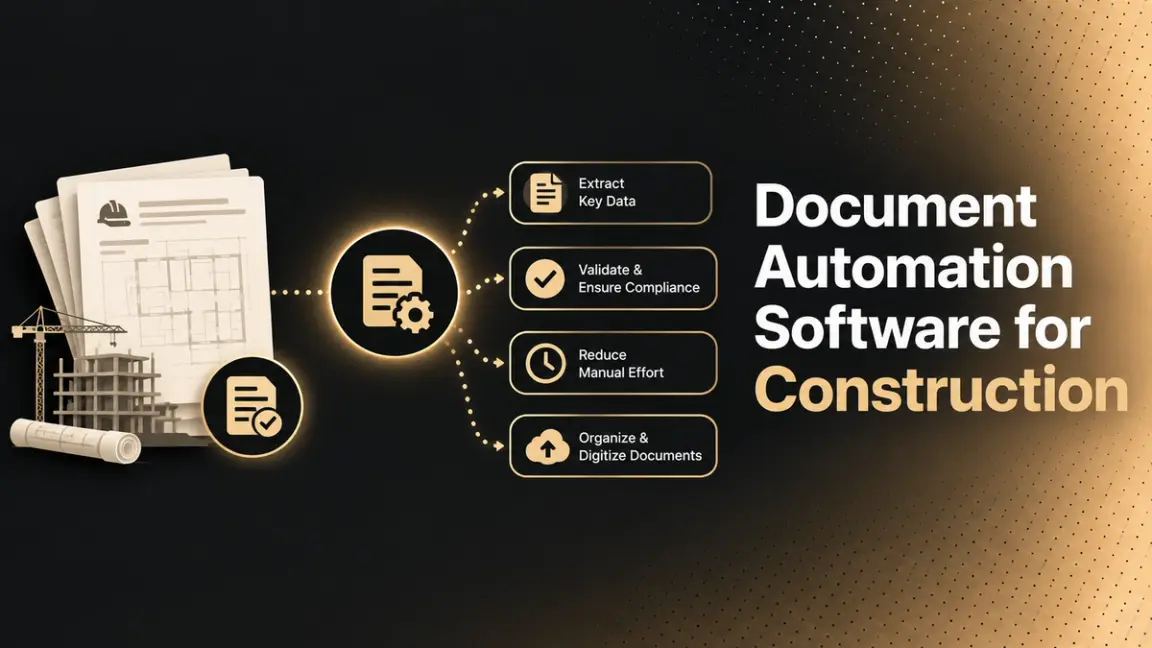
- Construction generates a genuinely enormous volume of documentation on any project of real size: contracts, drawings, specifications, RFIs, submittals, change orders, daily reports, inspection records, and closeout documentation, moving between architects, general contractors, subcontractors, and owners simultaneously, with revisions arriving constantly. Without the right systems, staying organized across that volume becomes a constant operational drag, not just an administrative inconvenience.
This guide covers what construction document automation actually spans (it's not one category), what makes construction documents specifically harder than general business documents, the real benefits of adopting it, and named platforms across the real sub-categories this space breaks into. For the data-extraction layer specifically, DeepRead's construction solution is the relevant starting point.
What Is Document Management Software for Construction?
Document management software for construction is a system built to store, organize, version, and route the documents a construction project generates, so every stakeholder works from current, accurate information instead of scattered files, emails, and outdated printouts. At its core, it replaces manual, paper-based, or ad hoc digital filing with a centralized system where contracts, drawings, RFIs, submittals, and reports live in one place, accessible to the office and the field simultaneously.
What separates modern construction document software from a general-purpose file-sharing tool is that it's built around the specific realities of a construction project: documents change constantly, multiple independent organizations (owner, architect, general contractor, subcontractors) need access to the same files at the same time, and losing track of which version is current has real cost consequences, not just an inconvenience. The stronger platforms in this category go further than storage, adding automated categorization, approval routing, and increasingly, AI-driven extraction and analysis on top of the underlying document library.
Who This Is For
- Construction project managers and document controllers managing document volume, version control, and approval routing across a multi-stakeholder project.
- General contractors and subcontractors needing faster submittal review, RFI tracking, and drawing/spec cross-referencing.
- Firms evaluating whether to add an AI layer on top of an existing document management system, rather than replacing it entirely. The wider field of options is surveyed in AI document processing solutions.
Types of Construction Document Management Software
Worth understanding this split before comparing specific tools, since construction document software genuinely spans four distinct capabilities, and a platform strong in one isn't automatically strong in the others.
Document intelligence uses AI to extract structured data, compare document versions, and flag inconsistencies automatically, rather than requiring someone to manually cross-reference drawings against specifications or search through hundreds of pages for a specific requirement. How that extraction works underneath is covered in structured data extraction. This is the newest and fastest-evolving category, and it's increasingly sold as a layer added on top of an existing management system rather than a full platform replacement.
Document management covers centralized storage with version control, ensuring every stakeholder works from the current file rather than an outdated one. This is the foundational layer nearly every construction project needs regardless of size, since scattered files and unclear version history are one of the most common, avoidable sources of costly rework on a job site.
Document workflow handles review and approval routing specifically, moving submittals, RFIs, and change orders through the correct sequence of people rather than relying on someone remembering to forward an email or chase down a signature. Structured routing here directly affects how fast a project actually moves, not just how organized it looks on paper.
Document collaboration enables real-time markup and coordination on shared documents, letting multiple people annotate drawings, leave comments, and resolve issues together rather than passing files back and forth through disconnected channels.
Most established platforms cover several of these together; newer AI-native tools often specialize narrowly in document intelligence specifically, layered on top of whatever management/workflow platform a company already runs.
What Makes Construction Documents Specifically Hard
- Drawings and specifications must be cross-checked against each other constantly, and contradictions between them are a real, recurring source of costly field errors. A drawing showing one detail and a spec calling for something different is a genuinely common problem this software category exists partly to catch.
- Multi-stakeholder version control is harder than in most industries. Architects, general contractors, subcontractors, and owners all need the current version of a document simultaneously, and using an outdated drawing or spec leads directly to rework, not just confusion.
- RFIs and submittals require structured routing, not just storage. A request for information needs to reach the right person, get answered, and be tracked to closure, or it becomes a project delay with real cost consequences. Routing logic like this is part of intelligent document workflow automation.
- Volume scales with project complexity, and large or multi-phase projects can generate documentation at a pace that makes manual organization genuinely unmanageable without structured search and categorization.
- Compliance and safety documentation (OSHA-relevant reporting, inspection records) carries real regulatory weight, distinct from general project documentation.
Benefits of Construction Document Management Software
- Fewer errors and less rework. Automated version control ensures teams always work from the current drawing or spec, removing the costly mistakes that come from someone building against an outdated file.
- Faster document retrieval. Advanced search using keywords, project dates, and filters lets teams locate a specific file in seconds on a large, multi-phase project, rather than manually digging through folders.
- Stronger compliance and audit readiness. Built-in audit trails, encryption, and access controls protect sensitive data and make it far easier to reconstruct a document's history when a regulatory or dispute-related review requires it. The governance side of that is covered in key features of AI document workflow automation.
- Reduced manual administrative work. Automated document categorization and data entry free project teams to focus on higher-value tasks instead of repetitive filing and organization.
- Better communication across stakeholders. Centralized, cloud-based access keeps architects, general contractors, subcontractors, and owners in sync, reducing the miscommunication that comes from each party working off a different version of the truth.
- Access from anywhere, office or field. Cloud-based storage means the latest documents are available on-site through a mobile device, not just from a desktop back at the office, which matters directly for field decisions that can't wait for someone to check email.
Named Platforms
Full Project/Document Management Platforms 1.Procore
Procore is the market-leading construction management platform, used across more than a million projects in over a hundred countries, consolidating documents, financials, schedules, and field operations into one dashboard accessible to everyone from project managers to field personnel.
- Automatic revision control keeps all stakeholders working from current documents
- Unlimited cloud storage with customizable access permissions
- Real-time collaboration across all project stages, office to field
- Best fit: firms wanting one comprehensive platform as the single source of truth across an entire project, rather than assembling separate tools.
2. Autodesk Construction Cloud
Autodesk Construction Cloud provides a cloud document platform with permissions and approvals, positioned as connecting design and construction teams around one shared source of truth. Worth a naming note: comparison sites currently list this product as "Autodesk Forma (formerly Autodesk Construction Cloud)," but sourcing on this rename was inconsistent enough during research, including one clearly satirical article, that I'm using the name confirmed directly in Autodesk's own recent blog content. Confirm the current product name directly before publishing.
- Integrates with Autodesk Build and Takeoff, plus 400+ additional third-party integrations
- ACC Connect specifically allows building custom workflows between ACC and other systems, automating data aggregation across disparate tools rather than requiring manual export/import
- Best fit: firms already in the Autodesk ecosystem (design tools, BIM) wanting document management natively connected to that workflow.
3. CMiC
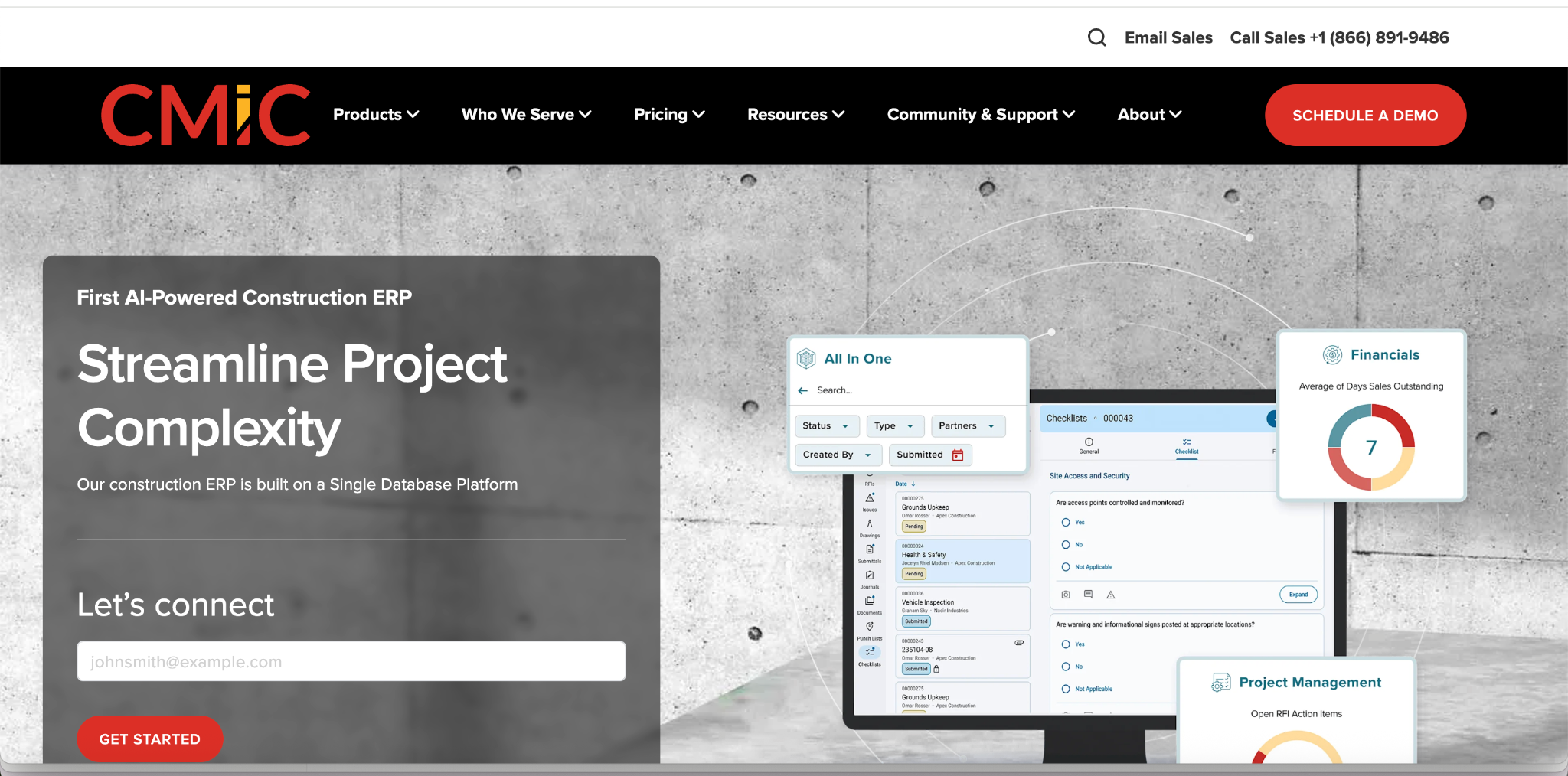
CMiC is a construction ERP combining centralized document management with integrated financials, project controls, workflow automation, and analytics in one system.
- Built-in audit trails, encryption, and access controls addressing compliance requirements directly
- Automated document categorization and version control, reducing manual data entry
- Best fit: firms wanting document management tightly integrated with financial and project-control systems rather than as a standalone module.
4. Oracle Aconex
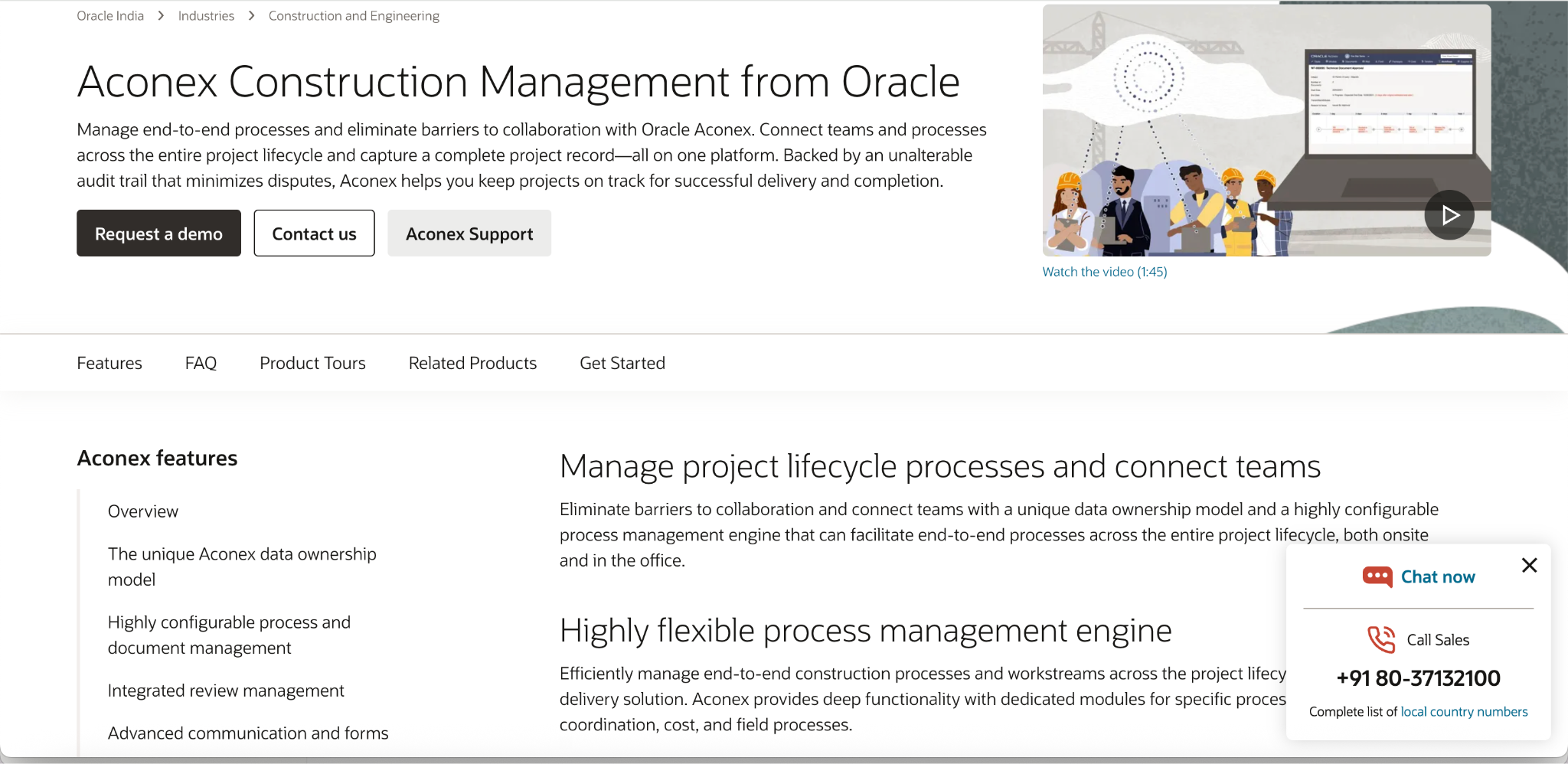
Oracle Aconex maintains automated approval workflows with customizable templates for document review and approval routing, plus a comprehensive audit trail of edits specifically positioned to help minimize disputes. I was not able to confirm a clean, first-party Oracle URL for this product during research; confirm the correct current link directly (likely under oracle.com's construction and engineering product pages) before publishing.
- Deeply integrated with enterprise ERP systems, and commonly used for large-scale civil, energy, and infrastructure projects with multiple independent organizations involved
- Best fit: large, complex projects where dispute risk and audit-trail defensibility around document approval history matters as much as day-to-day document access
AI-Native Document Intelligence
- Pelles AI
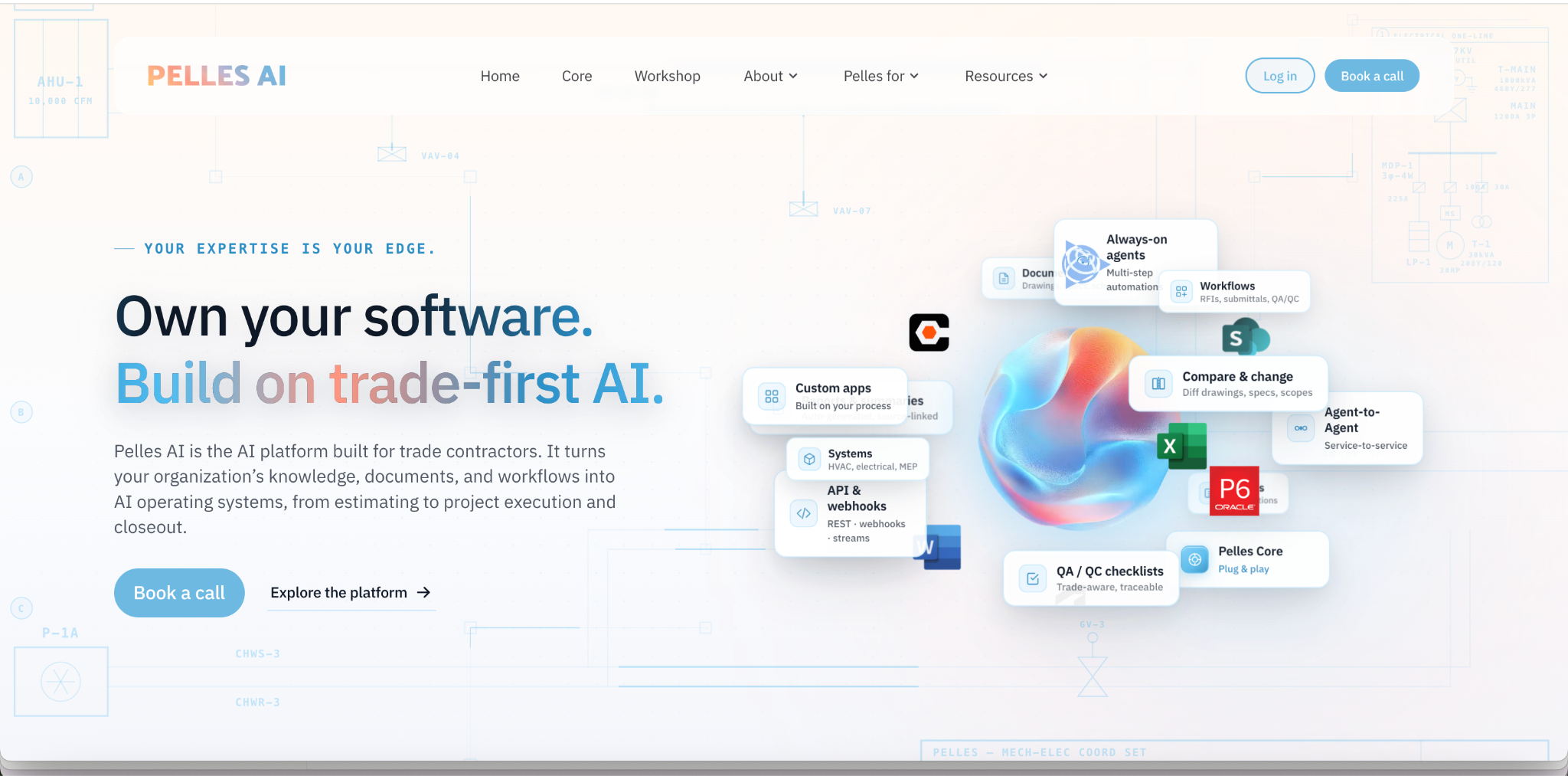
Pelles AI is positioned specifically to layer above an existing document management or project management stack, rather than replace it, extracting requirements, comparing revisions across drawings and specs, and auto-generating draft project deliverables.
- Pulls required submittals, technical notes, and key requirements directly from documents, then automatically populates logs and drafts RFIs from that extraction
- A named comparison feature identifies contradictions and changes across drawings, specs, and addenda specifically, directly addressing the cross-referencing problem named above as one of construction's hardest document challenges
- Best fit: trade contractors and teams wanting an intelligence layer added on top of their current tools, rather than a full platform migration
2. V7 Go
V7 Go markets itself as an agentic AI platform for document management and automation, with a "Knowledge Hubs" feature that turns an entire library of plans, emails, contracts, and reports into a searchable, continuously updated knowledge base.
- Uses a proprietary retrieval approach the vendor states goes beyond standard RAG (retrieval-augmented generation) systems
- Best fit: firms wanting a searchable, AI-queryable layer across their full document history, not just structured field extraction from individual documents
Document Generation
- Windward Studios
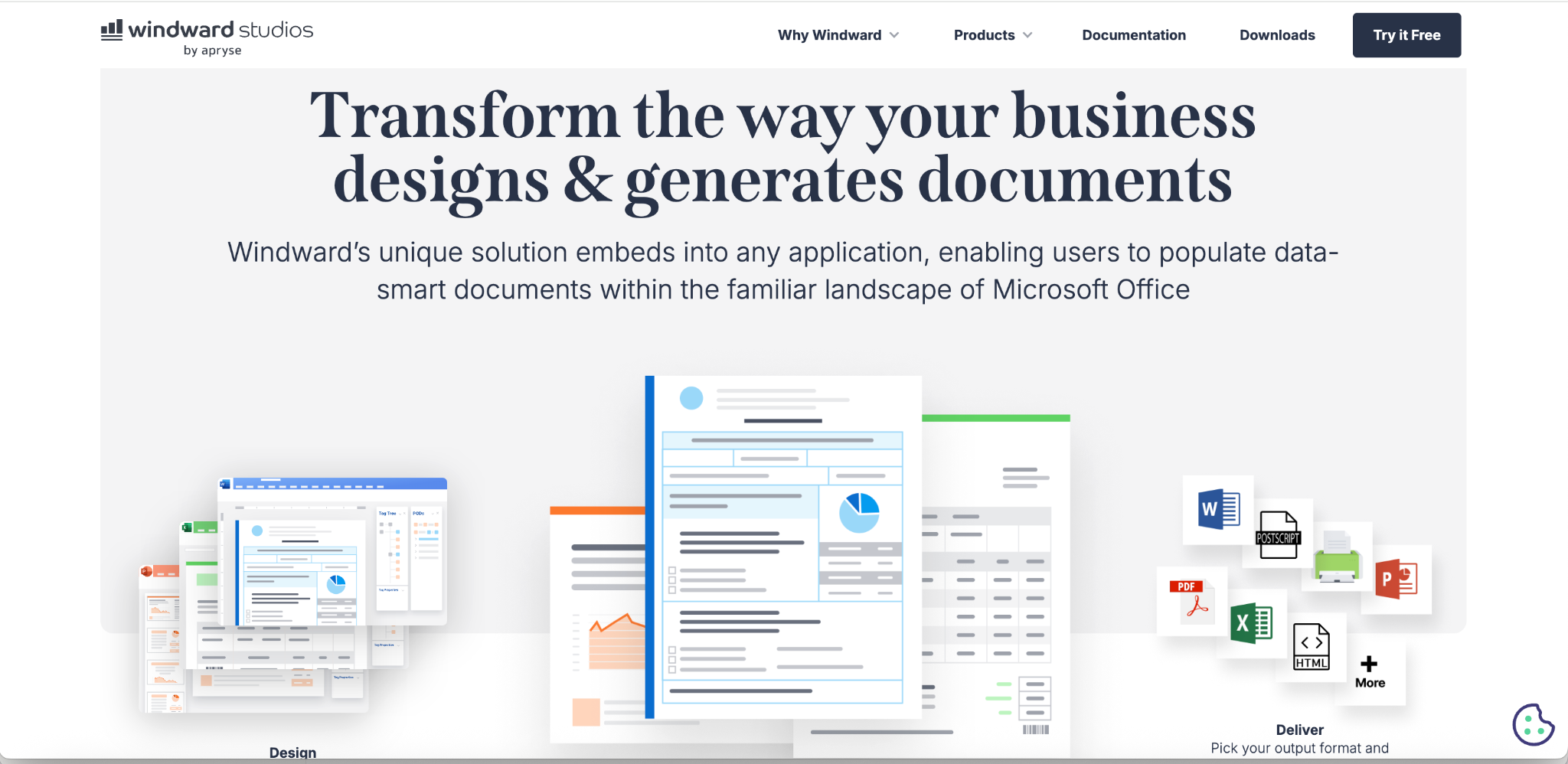
Windward Studios focuses specifically on document generation rather than extraction, using templates to automatically produce construction documents (proposals, contracts, schedules) from underlying data, rather than pulling data out of existing documents.
- Template-based generation removes manual, from-scratch document creation for recurring document types
- Supports SQL-based data sources (Microsoft SQL Server, Oracle, MySQL, DB2) for populating generated documents directly from project data
- Best fit: firms whose bottleneck is producing consistent, recurring documents from project data, rather than processing incoming documents, the outbound half of document automation that's easy to overlook when the conversation focuses entirely on extraction
Selection Criteria
- Which of the four categories your actual bottleneck falls into: intelligence, management, workflow, or collaboration, since a platform strong in one isn't automatically strong in the others.
- Whether you need a full platform or an intelligence layer on top of what you already run. Pelles AI and V7 Go's positioning specifically as an addition to an existing stack is a real, different choice than migrating to a new all-in-one platform.
- Drawing-versus-spec cross-referencing capability, if contradiction detection between document sets is a recurring pain point on your projects specifically.
- Integration depth with design tools (BIM, Autodesk ecosystem) if your workflow depends on that connection staying tight.
- Audit trail and dispute-defensibility features, particularly for large or complex projects where document history may need to hold up in a dispute.
Conclusion
Document automation software for construction isn't one product category. It spans document intelligence, management, workflow, and collaboration, and the right fit depends on which of those is your actual bottleneck. Established platforms like Procore, Autodesk Construction Cloud, CMiC, and Aconex cover broad, integrated document management. Newer AI-native tools like Pelles AI and V7 Go specialize in intelligence layered on top of an existing stack.
Windward addresses the outbound, document-generation half of the problem most comparisons overlook. Whichever direction fits, match the tool to the specific bottleneck; don't assume a platform strong in one of the four categories automatically covers the other three.
FAQ
What's the difference between construction document management and document intelligence software?
Document management handles storage, version control, and access across a project's document library. Document intelligence uses AI to extract structured data, compare revisions, and flag inconsistencies within those documents. Most established platforms combine several capabilities; newer AI-native tools often specialize narrowly in intelligence, layered on top of an existing management system.
Can construction document software catch contradictions between drawings and specifications?
Some tools specifically address this. Pelles AI, for example, is built around comparing revisions across drawings, specs, and addenda to identify contradictions and changes, directly targeting one of the most common and costly document-related errors in construction.
Should we replace our current document management platform or add an AI layer on top?
Depends on whether your current platform's core storage, workflow, and collaboration features meet your needs. Several AI-native tools (Pelles AI, V7 Go) are specifically designed to layer on top of an existing stack rather than replace it, which is often less disruptive than a full platform migration if extraction and analysis are your actual gap.
Is document generation part of construction document automation?
Yes, though it's an outbound capability often overlooked in favor of extraction-focused tools. Platforms like Windward Studios focus specifically on generating consistent, recurring documents (proposals, contracts, schedules) from underlying project data via templates, rather than extracting data from incoming documents.
More articles

Automated In-Bond Processing Documentation: A Compliance Guide
Automated in-bond processing explained, CBP requirements, ACE and eBond, deadlines, penalties, and where document extraction fits.
Key Features of AI Document Workflow Automation
AI document workflow automation features, governance, prioritization framework, and real examples with measurable benefits for 2026.