%20{%20:root%20{%20--deepread-stroke:%20%23E5E7EB;%20}%20}%20.dark%20{%20--deepread-stroke:%20%23E5E7EB;%20}%20%3c/style%3e%3crect%20x='40'%20y='30'%20width='220'%20height='260'%20rx='28'%20ry='28'%20stroke='var(--deepread-stroke)'%20stroke-width='16'%20fill='none'/%3e%3cpath%20d='M180%2030v52c0%2010%208%2018%2018%2018h62'%20stroke='var(--deepread-stroke)'%20stroke-width='16'%20fill='none'/%3e%3cline%20x1='70'%20y1='130'%20x2='200'%20y2='130'%20stroke='var(--deepread-stroke)'%20stroke-width='16'%20stroke-linecap='round'/%3e%3cline%20x1='70'%20y1='165'%20x2='200'%20y2='165'%20stroke='var(--deepread-stroke)'%20stroke-width='16'%20stroke-linecap='round'/%3e%3cline%20x1='70'%20y1='200'%20x2='170'%20y2='200'%20stroke='var(--deepread-stroke)'%20stroke-width='16'%20stroke-linecap='round'/%3e%3c!--%20green%20download%20arrow%20in%20bottom%20right%20corner%20--%3e%3cpath%20d='M210%20202v58'%20stroke='var(--deepread-accent)'%20stroke-width='18'%20stroke-linecap='round'/%3e%3cpath%20d='M195%20245l15%2015%2015-15'%20fill='none'%20stroke='var(--deepread-accent)'%20stroke-width='18'%20stroke-linecap='round'%20stroke-linejoin='round'/%3e%3c/svg%3e)
AI Document Processing for AP Automation: How It Works, Platforms Compared, and How to Choose (2026)
See how AI document processing works in AP automation, from invoice capture to validation and approvals, with 8 platforms compared on price and limits.
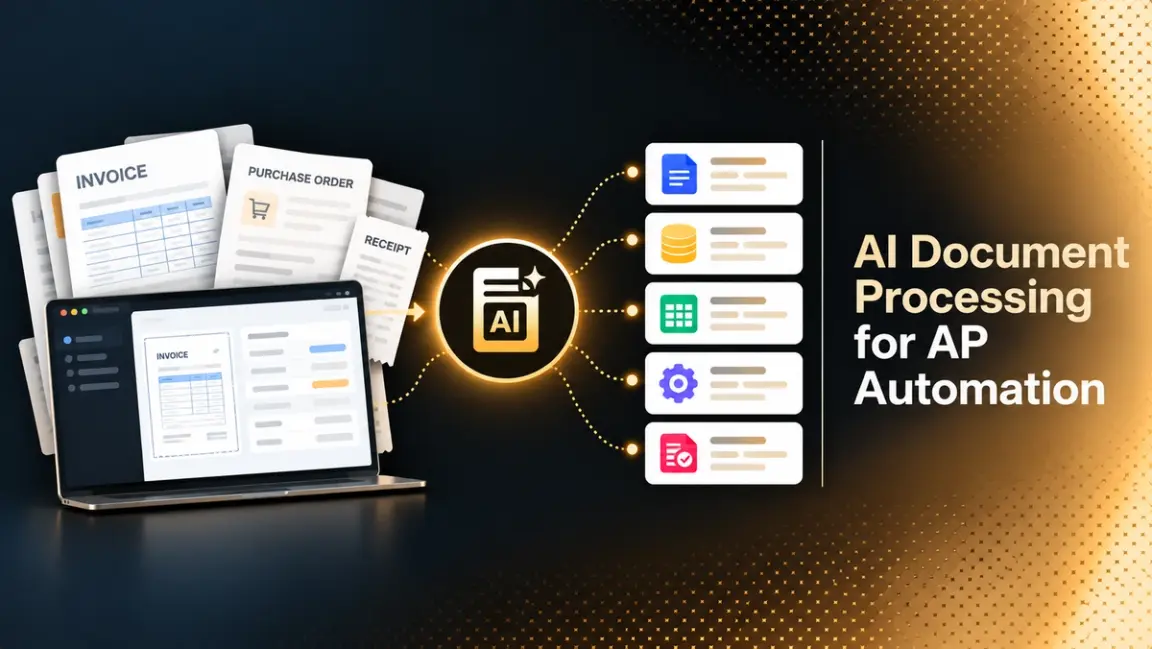
Accounts payable still runs on documents. Invoices arrive by email, portal, EDI, and scan, in layouts no two suppliers share, and someone has to read each one, check it against a purchase order, and get it approved before it is paid. AI document processing takes over the reading, extracting, and checking, so people spend their time on the exceptions instead of the keying.
This guide explains how that works in practice. It covers how document processing and intelligent document processing are used in accounts payable, how validation and approval workflows reduce bottlenecks, and where open-source OCR such as Tesseract stops being enough. It then compares eight platforms on pricing and limits and closes with a pilot you can run on your own invoices.
Why Accounts Payable Is a Document Problem
Accounts payable is a chain of documents: invoices, purchase orders, receiving records, credit memos, statements, contracts, and remittance advice. Every step depends on someone reading one document and comparing it with another. Invoices arrive by email, supplier portal, EDI, mail, and scan, in layouts that no two vendors share. That variety is why simple automation breaks and why AI is useful here.
The cost of leaving this manual is well documented, though the best-known benchmark is dated. Ardent Partners' State of ePayables research, summarized on Payables Place, put the average invoice processing cycle at 8.3 days in 2019 and found that best-in-class AP teams spent $2.18 per invoice, against $12.60 for all other teams. Those figures are from 2019, so treat them as a directional gap rather than a current price, and calculate your own fully loaded cost per invoice before building a business case.
Fraud adds pressure. The Association for Financial Professionals reported in its 2026 Payments Fraud and Control Survey that 76% of U.S. organizations experienced attempted or actual payments fraud in 2025, with checks the most targeted method at 58% of respondents. Automated validation of vendor details and duplicates is a control as much as a speed gain.
How Document Processing Is Used in Accounts Payable Automation
Document processing sits at the front of the AP process and feeds everything after it. In a typical flow it does five jobs.
- Capture. Invoices are collected from an AP mailbox, a supplier portal, EDI, a scanner, or an API upload.
- Classification. The system decides whether a file is an invoice, a credit memo, a statement, or something else, and splits multi-document files.
- Extraction. It reads vendor name, invoice number, dates, currency, tax, totals, and line items.
- Validation and matching. Extracted values are checked against vendor master data, purchase orders, receipts, and business rules.
- Routing and posting. Clean invoices move to approval and the ERP. Exceptions go to a person with the reason attached.
Teams that want the fuller picture of how these steps connect to the rest of the back office can read DeepRead's guide to intelligent document workflow automation.
How Intelligent Document Processing Works in Accounts Payable Automation
Intelligent document processing (IDP) is the layer that turns an image or PDF into data an AP system can act on. It combines several techniques, and knowing which one does what makes vendor claims easier to judge.
Reading the Page
Optical character recognition (OCR) converts pixels into text. Modern systems also detect layout: where the header ends, where the line item table begins, and which text belongs to which column. For scanned or photographed invoices, quality at this stage limits everything downstream.
Understanding the Fields
Extraction models decide which text is the invoice number and which is the PO number, which date is the invoice date and which is the due date. Older systems relied on templates per vendor. Newer systems use machine learning or large language models that generalize across layouts, so a new supplier does not require a new template. DeepRead covers how these approaches differ in its comparison of LLMs vs OCR software.
Producing Structured Output
The output that matters for AP is structured data: named fields, line items as rows, and a value for every field you need to post. This is the step where free-form text becomes something an ERP can ingest. The principles behind it are covered in DeepRead's explainer on structured data extraction.
Checking and Routing
Good systems do not trust their own output blindly. They flag values that are missing, inconsistent, or low in reliability, and send those to a reviewer instead of posting them. The quality of this routing often matters more than the headline accuracy number, because a wrong value posted silently costs more than a flagged value reviewed.
Automated Invoice Processing Solutions for Custom Document Formats
Custom formats are the real test. Utilities, freight carriers, professional services firms, and small vendors send invoices with unusual layouts, multi-page line item tables, handwritten notes, stamps, and mixed languages. Template-based tools need a new template for each one and degrade when a vendor changes its layout. Learning-based and LLM-based tools handle new layouts without setup, but they can still struggle with dense tables, skewed scans, and photos.
To test a tool on custom formats, do the following.
- Pull 100 to 200 recent invoices that reflect your real vendor mix, including your ugliest 10%.
- Include scanned and photographed documents, not only clean PDFs.
- Measure field-level correctness, and measure line items separately, since a correct total can hide a wrong line.
- Count how many invoices would reach a person and why.
If your documents include unusual schemas, look for tools that let you define your own fields. DeepRead's approach to this is outlined in its guide to scaling unstructured document processing.
Best AI Document Automation Platforms for Accounts Payable (2026)
The platforms below cover AP suites, IDP platforms, and extraction APIs. Pricing was checked on each vendor's own pages and is noted as quote-based where it was not published. Confirm current pricing before buying.
DeepRead
- What it automates: A document extraction API with two products, Extract and Deep Extract. Extract returns the document as Markdown with layout blocks and bounding boxes, plus the fields you request as JSON when you send a schema. Deep Extract is built for harder documents such as scans, photos, and handwriting, using two OCR engines, adjudicated disagreements, and a verification pass on every value. For AP, it is the capture and extraction layer that feeds your ERP or AP workflow.
- Pricing: Free for 2,000 pages a month with no card. Standard is pay per page at $15 per 1,000 pages for Extract and $35 per 1,000 pages for Deep Extract, with no monthly page limit. Enterprise is custom. A failed job costs nothing, and DeepRead offers up to $1,000 in migration credits when moving from another document processor.
- Limits: Free allows 50 pages per document, 15 MB per file, and 10 requests per minute. Standard allows 1,000 pages per document, 50 MB, and 100 requests a minute. Enterprise raises these to 2,000 pages and 500 MB and adds retention controls, PII redaction, bring-your-own model keys, EU and AU data residency, and SSO. Processing and storage are in US East by default, and there is no self-hosted deployment. Free and Standard retain documents for up to three years by default, and there is no BAA on any plan. As an extraction API, it does not replace an AP suite's approvals, matching, or payments.
- Best for: Engineering teams building their own AP workflow, and teams that want field-level citations and review flags without adopting a full AP suite.
- Pros: Field locations and citations (page, bounding box, and source text per field), review flags with reasons on all plans, a review UI for flagged fields, and published per-page pricing.
- Cons: You connect it to your own matching, approval, and ERP steps, and its benchmark is vendor-run.
Reading DeepRead's benchmark. DeepRead published a vendor-run extraction benchmark in October 2026 across three datasets: DocILE (500 documents), Charity (40), and LongExtract (20), totaling 2,614 pages per system. Deep Extract averaged 92.0% at $35 per 1,000 pages and Extract averaged 91.1% at 15,ahead of Extend Operator at 89.9% (88), Reducto Deep Extract at 87.3% 40), Extend Performance at 79.8%, Landing AI ADE at79.1%, and Reducto Extract at 70.5% (20). DeepRead describes Extract as 5.9 times cheaper than Extend Operator, which ranked third on accuracy.
Three cautions apply. DeepRead ran the benchmark itself; its scoring is lenient (an exact match, a match after normalizing, or a reviewer model judging a difference immaterial), and the datasets are not an AP invoice test,
so they do not measure end-to-end AP results. On LongExtract, Extend Operator scored 99.6 against 97.8 for Deep Extract, so the lead is not uniform. Run your own invoices before deciding.
Stampli
- What it automates: A procure-to-pay platform that connects procurement, accounts payable, vendor management, payments, and expenses. In AP, its AI assistant handles invoice coding, matching, and routing.
- Pricing: Not published. Stampli's pricing page offers custom pricing through a quote and describes it as modular: an AP product (capture, PO matching, insights, onboarding, support) plus add-ons for procurement, payments, credit card, and vendor management.
- Limits: Stampli's home page lists 14 ERP and accounting systems, so confirm yours is supported. Its own comparison article says it suits higher invoice volumes, and smaller businesses may prefer an SMB-focused tool. Usage figures such as the AI assistant doing an average of 89% of the work across more than 2,700 ERP-aligned fields are Stampli's own.
- Best for: Mid-market and enterprise AP teams that want collaboration around each invoice.
- Pros: Collaboration attached to the invoice, an integrated path from invoice to payment, and AI coding.
- Cons: Quote-only pricing makes early comparison harder, and add-on fees need to be confirmed with sales.
BILL
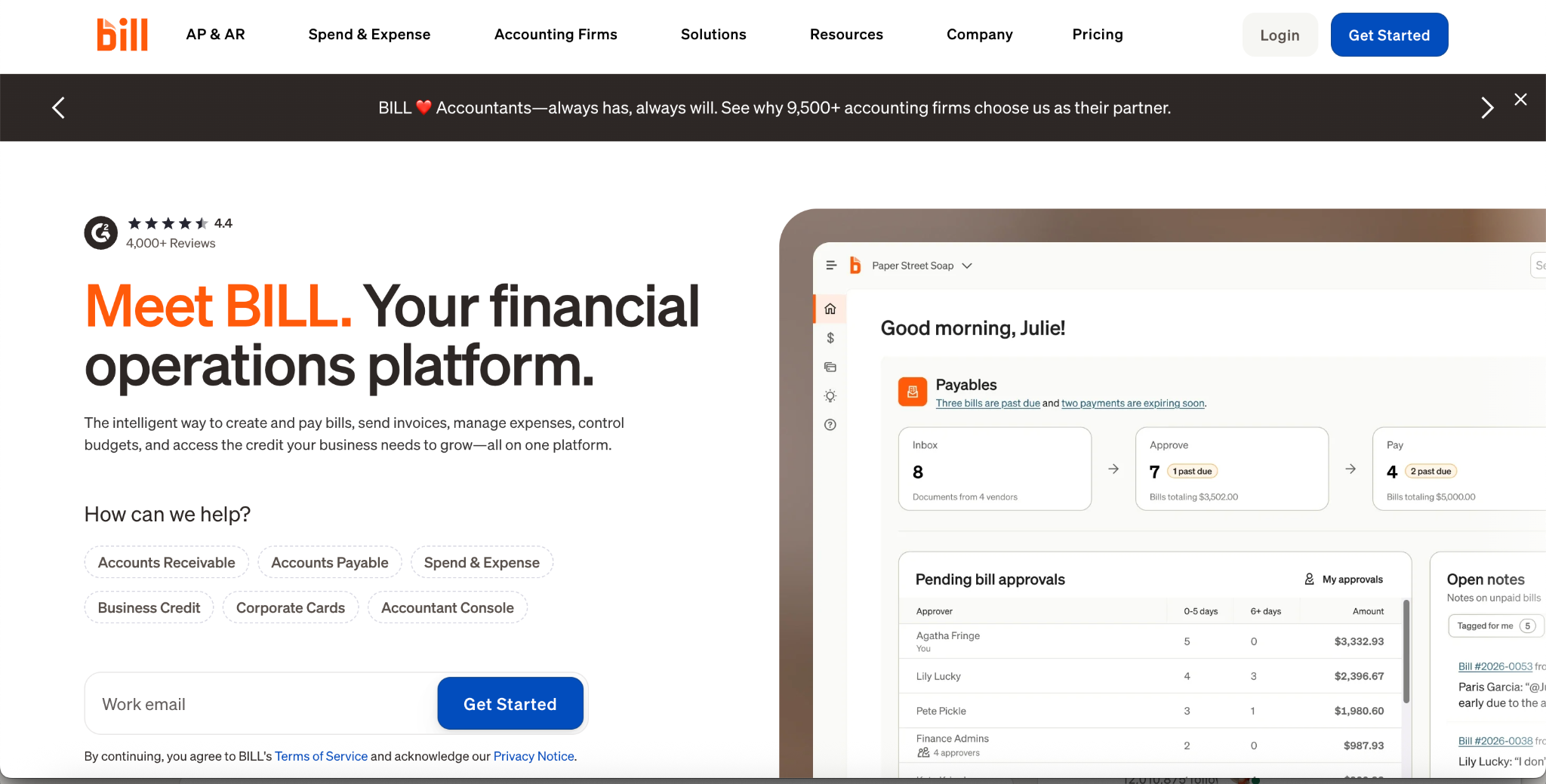
- What it automates: Bill creation and approvals, invoice capture, AI bill coding, two-way and three-way matching on higher tiers, and payments by ACH, card, check, and international transfer, with sync to accounting software.
- Pricing: BILL's pricing page lists Essentials at $49 per user per month, Team at $65, Corporate at $89, and Enterprise as custom. Per-transaction fees apply on every plan, such as $0.59 per ACH payment and $1.99 per check, while virtual card payments are free.
- Limits: AI multi-line bill coding starts on Team, and Essentials syncs with accounting software by CSV. Procurement features are included on Corporate and Enterprise and are an add-on on lower tiers. Sync with NetSuite, Sage Intacct, and Microsoft Dynamics, and three-way matching, are on Enterprise.
- Best for: Small and mid-sized businesses that use QuickBooks or Xero and want AP and payments together.
- Pros: Published per-user pricing, built-in payments, an API on every tier, and a large vendor network (BILL reports 500,000 or more businesses).
- Cons: Per-user pricing plus transaction fees grows with team size and payment volume, and competitor-written comparisons describe reporting and customization as basic.
Tipalti
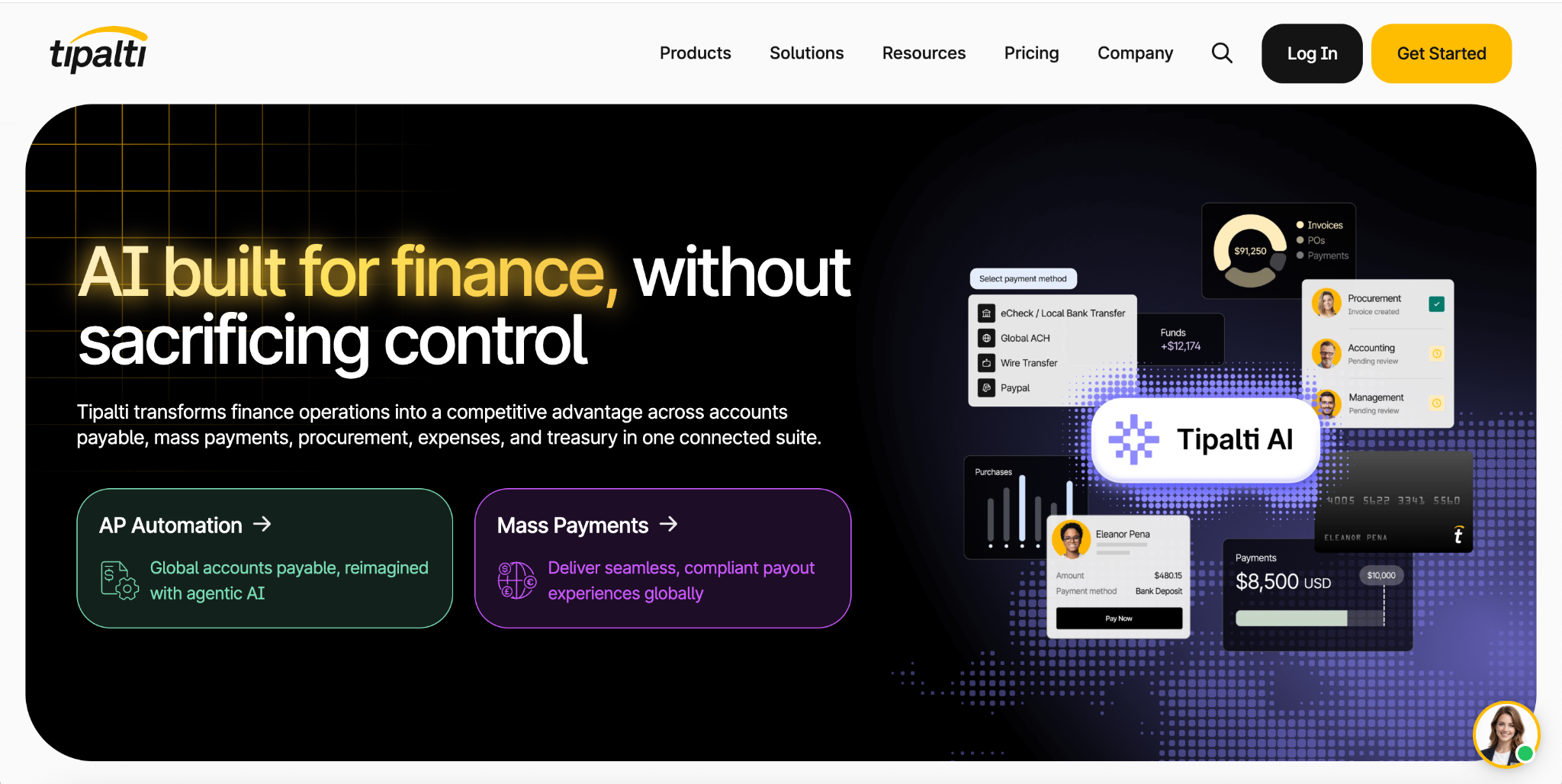
- What it automates: AI-based OCR for header and line-level invoice details with human review, auto-coding, two-way and three-way PO matching, a supplier onboarding portal, tax form collection, and global payments.
- Pricing: Tipalti's own comparison page says pricing starts at $99 per month as a platform fee, with advanced features such as expense management, vendor management, W-8 forms, international tax IDs, and multi-entity payables added as needed. Total cost depends on those add-ons, so request a quote.
- Limits: Tipalti states that it reaches over 200 countries and territories in 120 currencies, and its figures such as a 66% reduction in payment errors are vendor-reported. Competitor-written comparisons describe it as costly at low invoice volumes and report longer implementations for complex setups.
- Best for: Companies paying many suppliers across countries.
- Pros: Global payment coverage, a self-service supplier portal, digital W-8 and W-9 collection, and payee data validation.
- Cons: Less attractive if you only need invoice extraction, and onboarding can take time.
Vic.ai
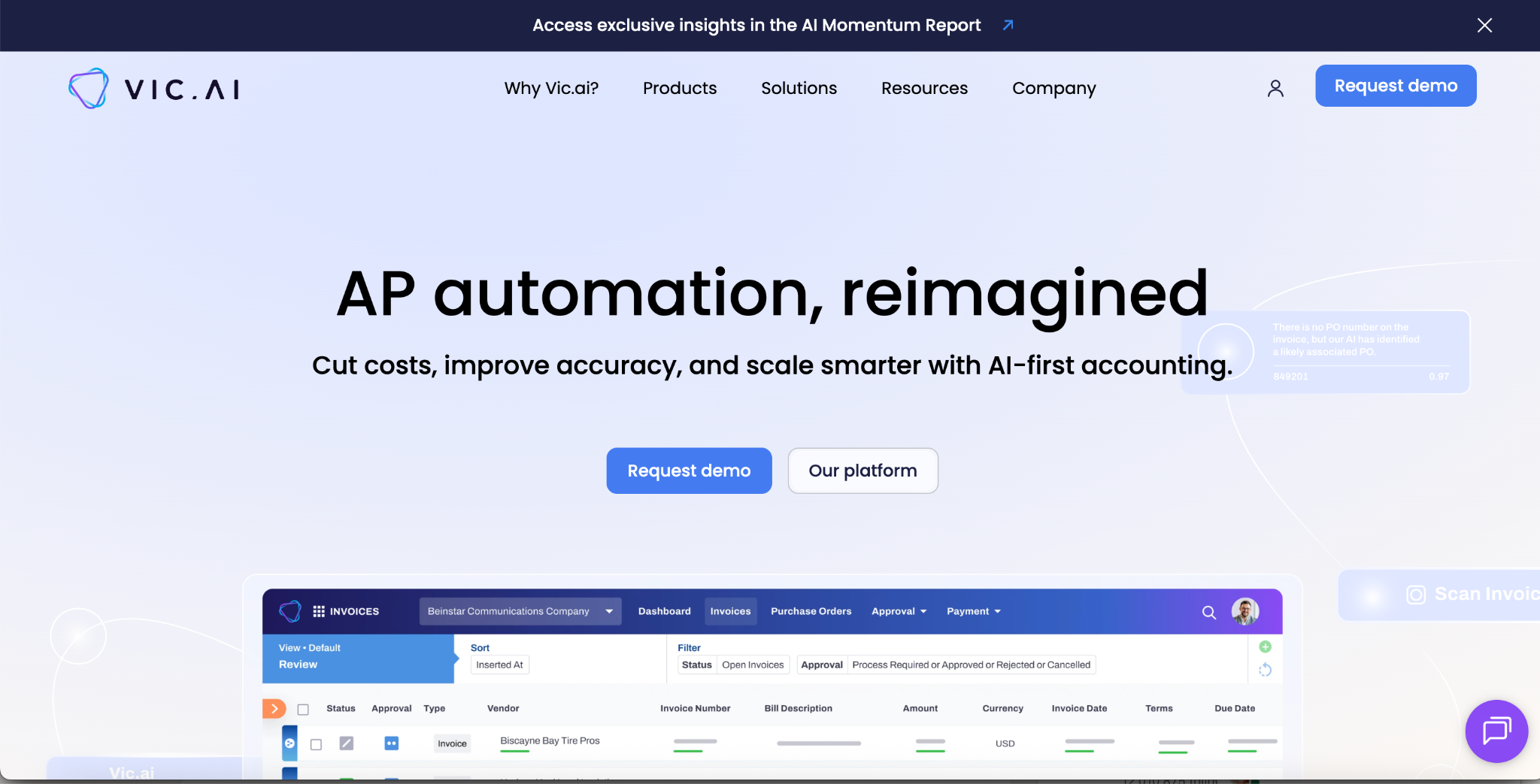
- What it automates: Autonomous invoice processing and coding aimed at touchless AP, positioned by Vic.ai as an AI-native accounting platform.
- Pricing: Not published. Vic.ai's site offers a demo and asks for a business email to send pricing.
- Limits: The site states no volume threshold. One third-party comparison suggests it suits teams with roughly 1,000 or more invoices a month per entity and describes multi-month implementations, so confirm with the vendor.
- Best for: Larger AP teams seeking high automation rates.
- Pros: Learns from corrections, and Vic.ai claims 99% invoice accuracy, 5x faster processing, an 85% no-touch rate by month six, and a seven-month payback period.
- Cons: No published pricing, and every performance figure on the site is vendor-reported.
Rossum
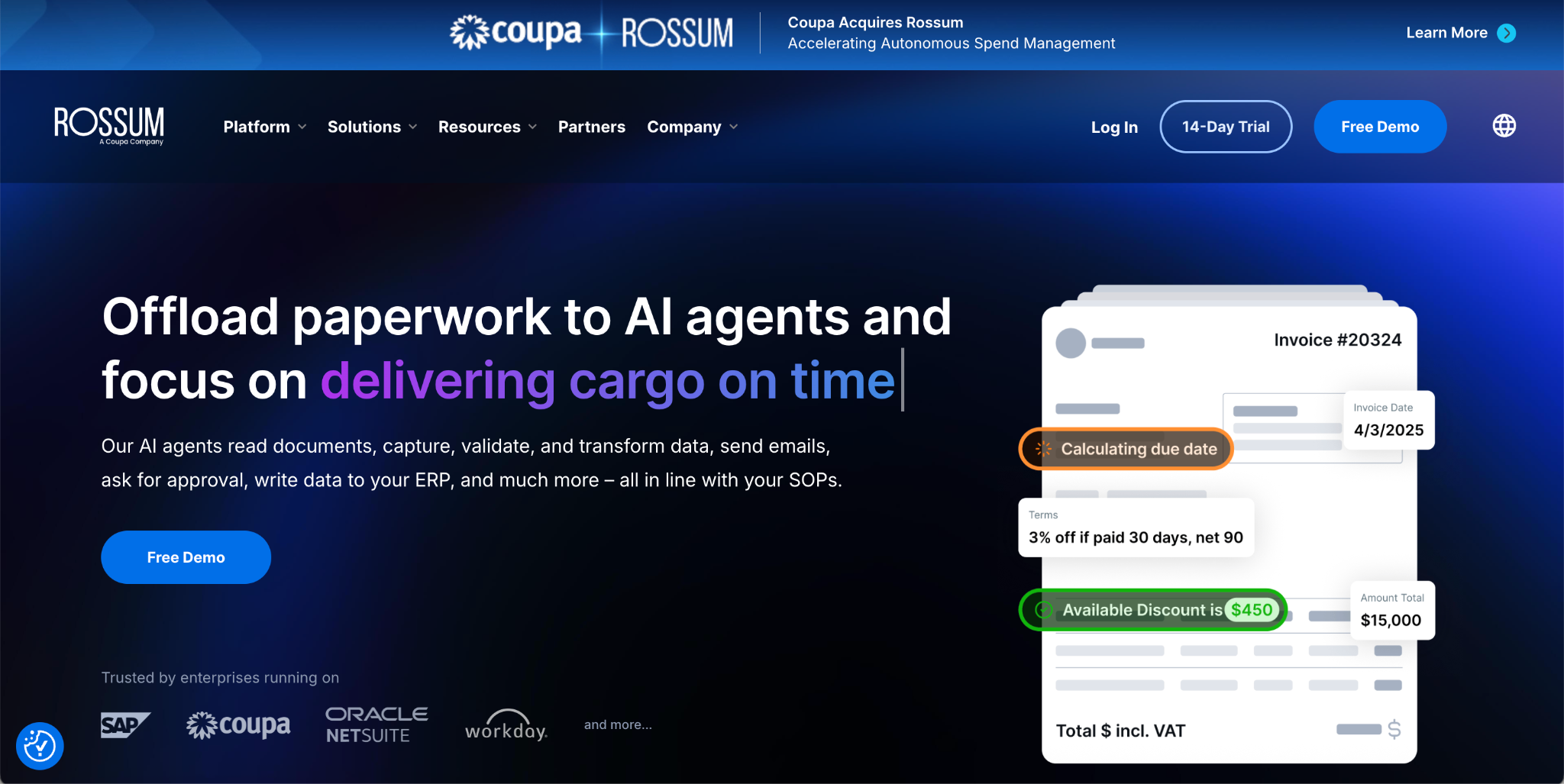
- What it automates: AI document processing for transactional documents. It receives documents from email, scanners, and PEPPOL, validates data against master data and ERPs, infers fields such as GL and tax codes, and triggers rule-based approvals and vendor messages.
- Pricing: Rossum's pricing page lists four plans: Starter from $18,000 per year, then Business, Enterprise, and Ultimate by quote. Pricing depends on page or document volume and workflow complexity, the minimum contract is one year, and usage above a plan's limit can be upgraded or billed per additional page.
- Limits: Coupa acquired Rossum in May 2026. Rossum's site now says so, and Coupa's release says the technology will be offered within Coupa without mentioning a standalone product, so confirm how it is sold and supported before you shortlist it.
- Best for: Enterprises, including those on Coupa, with complex or multi-entity AP.
- Pros: Published entry price, unlimited seats on Starter, ERP integrations such as SAP, Coupa, NetSuite, and Workday, and e-invoicing support for upcoming mandates in Belgium, Poland, and France.
- Cons: The $18,000 entry point is high for small teams, and packaging is in transition after the acquisition.
Nanonets
- What it automates: AP workflows that read invoices from email, PDFs, scans, EDI, and supplier portals, then run two-way and three-way matching, GL coding, duplicate detection, tolerance checks, and posting to ERPs such as SAP and NetSuite, with low-confidence items routed to reviewers.
- Pricing: Nanonets prices by workflow block runs. The Starter plan includes $50 in free credits with no card, then $100 per month for 100 credits. Block runs cost $0.02 for simple operations, $0.10 for standard AI such as classification and validation, and $0.30 for complex AI such as data extraction. Growth is quote-based with volume discounts, and Enterprise is custom. Nanonets estimates a typical invoice workflow at under $2 per invoice end to end.
- Limits: Starter allows up to 3 users and community support, and classification, generative AI blocks, and ERP integrations begin on Growth. SSO, SOC 2 and HIPAA compliance, private cloud or on-premises deployment, and data residency options are Enterprise features.
- Best for: Teams that want template-free capture with workflow, matching, and ERP posting in one product.
- Pros: Published usage-based rates, multiple intake channels, and review routing with supporting documents.
- Cons: Cost scales with the number of workflow blocks per document, so model your own workflow before comparing it with per-page pricing.
Azure AI Document Intelligence
What it automates: A prebuilt invoice model that extracts header fields and line items, plus layout, read, and custom extraction models, delivered as a cloud API.
- Pricing: Pay as you go per page. Azure's pricing page lists a free tier of up to 500 pages a month, but it did not display dollar rates when reviewed. Microsoft community guidance cites roughly $10 per 1,000 pages for the prebuilt invoice model and about $1.50 for plain read, so confirm current rates in the Azure pricing calculator.
- Limits: It is an API, not an AP suite. You build approvals, matching, and the review interface yourself.
- Best for: Developers on Azure who want a managed invoice model inside their own application.
- Pros: Prebuilt invoice model, a fit for the Azure ecosystem, and usage-based pricing.
- Cons: Custom model training is billed separately, and a human review layer is your responsibility.
How AI Reduces Bottlenecks in Automated Document Approval Workflows
Approval is where invoices wait. The delay is rarely the approval click itself. It is usually one of four things: the invoice is not coded, the approver cannot tell what it is for, the PO does not match, or nobody knows the invoice is waiting. AI reduces each of these.
- Pre-coding: suggesting GL codes, cost centers, and approvers from history means fewer invoices stall on missing coding.
- Exception routing with reasons: an invoice sent to review with a stated reason, such as a quantity mismatch, gets resolved faster than one sent with no explanation.
- Rule-based approval paths: amount thresholds, department, and vendor risk determine who approves, with automatic escalation when a request sits too long.
- Notifications: reminders and alerts through email or chat tell approvers what is waiting, so the queue does not depend on someone remembering.
- Auto-approval of clean matches: invoices that match a PO within tolerance can move forward without a human, which frees reviewers for real exceptions.
AI does not fix a broken approval policy. If five people must approve a small invoice, automation will route it to five people faster. Review your approval matrix before you automate it.
Notifications and Collaboration Features
Collaboration features decide whether exceptions get resolved or lost in email. Look for these when comparing tools.
- Comments attached to the invoice, so the question and answer stay with the record.
- Approver notifications in the channels people already use, with a link to the invoice.
- A full audit trail showing who changed or approved what and when.
- Visibility for suppliers, either through a portal or status emails, so fewer "where is my payment" messages reach AP.
Some suites build these features natively. Pure extraction APIs usually do not, and expect you to connect the output to your own workflow tool or ERP. Neither is wrong; it depends on whether you want a finished AP product or a component.
Tesseract and AP Automation: What Open-Source OCR Can and Cannot Do
Tesseract is a widely used open-source OCR engine, and it is a reasonable starting point for developers. It reads text from images and can return word positions. It is free to use and runs on your own infrastructure.
For accounts payable, the gap is what comes after text. Tesseract does not tell you which number is the invoice total, does not reconstruct line item tables as rows, and does not decide when a value is suspect. Its results also depend heavily on image quality, so deskewing, cleaning, and resolution work usually fall to your team. To go from raw text to a posted invoice you would need to build field extraction, table handling, validation, and a review interface yourself.
Tesseract fits when invoices are clean, volume is modest, and you have engineers to maintain a pipeline. It fits poorly when layouts vary widely or when you need field-level reliability signals. In those cases a purpose-built extraction API or AP platform usually costs less than the engineering time. Verify current capabilities on the project's own documentation before committing.
Build, Buy, or Hire a Consultant
Teams generally choose among four routes.
- AP suites bundle capture, matching, approvals, and payments. They suit teams that want one system.
- IDP platforms and extraction APIs handle capture and extraction and hand structured data to your ERP or workflow. They suit teams that already have an approval process or want to build one.
- Open-source pipelines such as Tesseract plus your own code give the most control and the most maintenance.
- Consultants and integrators help design the workflow, map approvals, and connect systems.
A document workflow automation consultant is most useful when your process is the problem rather than the tooling: unclear approval authority, multiple ERPs, many entities, or compliance requirements that shape the design. If your process is sound and you mainly need extraction, a consultant may be unnecessary. Before hiring one, ask for a scoped pilot with success measures, and ask who owns the workflow after go-live.
How to Evaluate AP Document Automation
Use these criteria to compare platforms.
- Accuracy on your invoices: test your own documents rather than a demo set.
- Line item handling: separate scoring for line items from header fields.
- Exception design: can you see why an invoice was flagged, and can reviewers fix it quickly?
- Matching and validation: two-way and three-way matching, duplicate checks, and vendor checks.
- Integrations: your ERP, such as NetSuite, SAP, QuickBooks, or Microsoft Dynamics, and how deep the sync goes.
- Pricing model: per user, per invoice, per page, or platform fee, and what the total looks like at your volume.
- Security and data handling: where documents are processed and stored, how long they are retained, and what compliance documentation the vendor can provide.
- Implementation time: weeks or months, and who does the work.
Measuring results after launch matters as much as choosing well. DeepRead's guide to metrics to measure the ROI of document workflow automation lists which numbers to track.
How to Read Vendor Claims
Most accuracy and savings figures in this market are vendor-reported. BILL, for example, states in its own guide that its AI coding reaches 99% accuracy on key invoice fields and reduces manual processing time by about 20%, and says it did not independently test the features it describes. Vic.ai's site claims 99% accuracy, 5x faster processing, and an 85% no-touch rate by month six. These may be accurate for the customers measured, but they are not independent benchmarks.
Questions worth asking any vendor:
- What documents and how many were in the test?
- Is accuracy measured per field, per line, or per document?
- What happens to the invoices the system is unsure about?
- Does the figure include invoices that needed human correction?
- Can I run my own sample before signing?
Quick Comparison
- Want one AP system with approvals and payments: Stampli, BILL, or Tipalti.
- Want high automation at enterprise scale: Vic.ai or Rossum (now part of Coupa).
- Want capture, matching, and ERP posting in one product with usage-based pricing: Nanonets.
- Building inside Azure: Azure AI Document Intelligence.
- Building your own AP workflow and want published per-page pricing, citations, and review flags: DeepRead.
- Clean invoices, low volume, and spare engineering time: Tesseract with your own pipeline.
How to Run a Pilot
- Define the scope. Choose one entity or one vendor group and the exact fields you need to post.
- Build the sample. Collect 200 recent invoices, including scans and your most awkward vendors.
- Label the truth. Have AP staff record the correct values for the sample.
- Score fields and lines separately. Count wrong, missing, and flagged values.
- Measure exceptions. Record how many invoices reach a reviewer and how long each takes.
- Test the integration. Post a handful of validated invoices to a sandbox ERP.
- Compare cost at your volume. Include license, per-page or per-transaction fees, review time, and implementation.
- Decide with a threshold. Set the accuracy and touchless-rate targets before you see results.
For help with the rollout itself, DeepRead's guide on how organizations implement AI in document-heavy processes covers governance and staffing.
Conclusion
AI document processing makes AP faster and more controlled when extraction, validation, and routing work together. The right choice depends on whether you want a complete AP suite, an IDP platform, or an extraction API you wire into your own workflow. Test on your own invoices, measure exceptions as carefully as accuracy, and treat vendor figures, including DeepRead's, as claims to verify.
Frequently Asked Questions
What is AI document processing in AP automation?
It is the use of OCR, machine learning, and language models to read invoices and related documents, extract fields, validate them, and route them for approval and payment with minimal manual entry.
How is document processing used in accounts payable automation?
It captures documents from email, portals, and scans, classifies them, extracts vendor, date, tax, total, and line items, checks them against POs and rules, and sends clean invoices onward while routing exceptions to reviewers.
How does intelligent document processing work in accounts payable automation?
IDP reads the page with OCR and layout detection, uses models to identify fields, produces structured data, and applies validation and confidence checks so uncertain values go to a person.
What is the difference between OCR and IDP for invoices?
OCR converts an image to text. IDP adds field understanding, table extraction, validation, and routing, which is what AP needs to post an invoice.
Is Tesseract good enough for accounts payable?
It can work for clean, low-volume invoices if you have engineers to build field extraction, table handling, and validation. It does not identify invoice fields or flag uncertain values by itself.
What are automated document validation solutions for accounts payable?
They check arithmetic, vendor identity, duplicates, PO and receipt matches, tax, and required fields, then flag mismatches before payment.
How does AI reduce bottlenecks in document approval workflows?
It pre-codes invoices, routes exceptions with reasons, applies approval rules and escalations, sends notifications, and auto-approves clean matches so reviewers focus on real problems.
Do I need a document workflow automation consultant?
Only if your process, approval structure, or system landscape is the main obstacle. If you mainly need extraction, a tool and a pilot may be enough.
How much does AP document processing cost?
It varies widely. BILL lists AP from $49 per user per month plus transaction fees, Tipalti starts at $99 per month, Rossum starts at $18,000 per year, DeepRead charges $15 or $35 per 1,000 pages after a free 2,000 pages a month, and Stampli and Vic.ai quote prices individually.
More articles
AI Document Extraction Platform for Insurance Underwriting: Aggregation, Platforms, and What to Test (2026)
Compare AI document extraction and aggregation platforms for insurance underwriting: ACORDs, SOVs, loss runs, P&L, policies, accuracy claims, and what to test.
Most Reliable Data Extraction Service: How to Choose, Test, and Compare (2026)
How to pick the most reliable data extraction service: what reliability means, how to test it, and 8 document extraction platforms compared on price and limits.